

 WooCommerce Pro Partner
 WordPress Pro Partner





















Your WooCommerce store, connected to the systems you already run
Connect your POS, accounting system, ERP, CRM, payments and warehouse to WooCommerce. Stock, prices, orders and customers stay in sync, without your team typing the same information twice.















What we connect
These are the systems we connect most often.
If yours isn't here and it has an API, we can usually connect it too.
POS and payments
Point of sale and payments
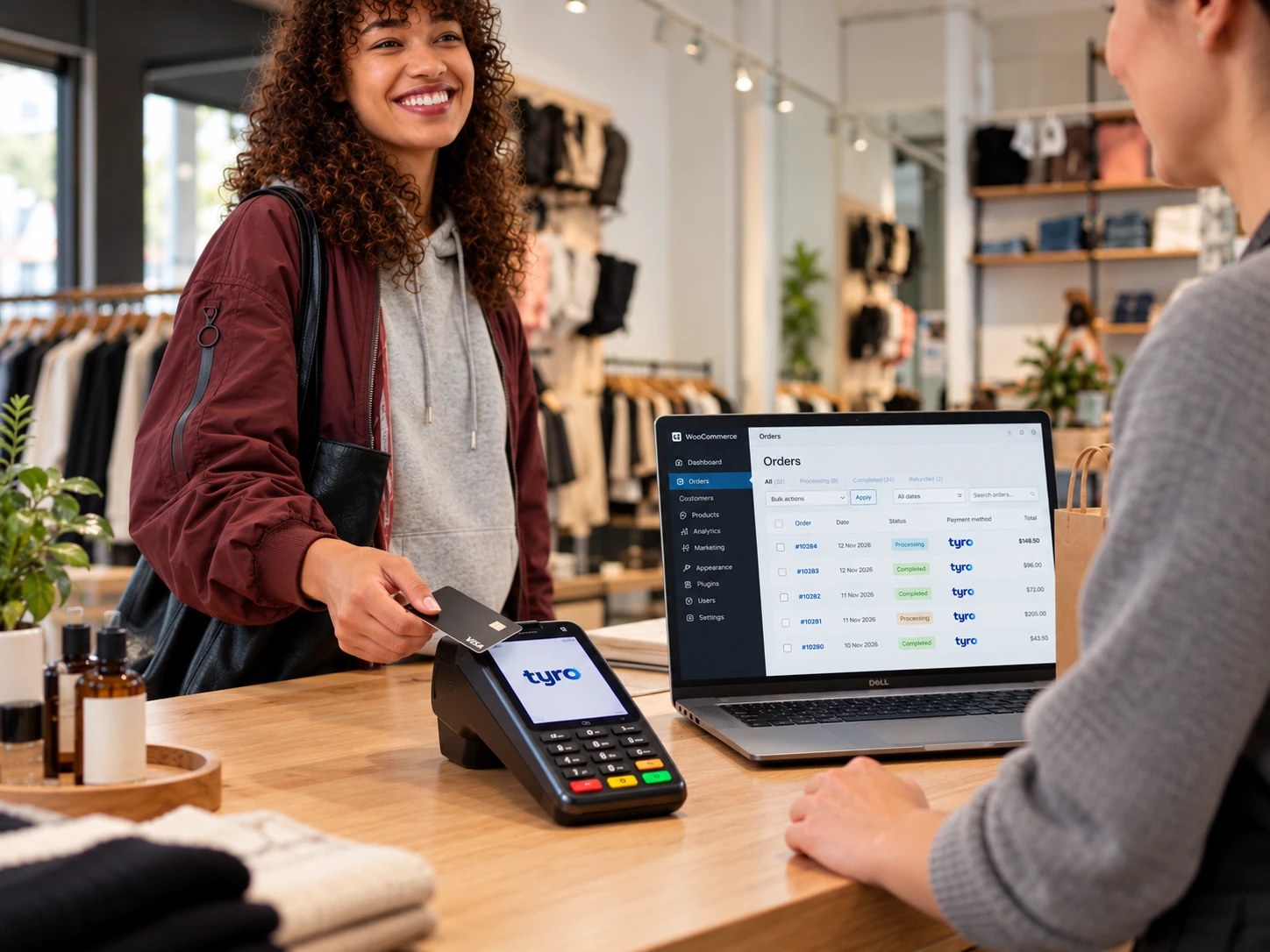
The counter and the website working as one, with the same stock, prices, orders and customers.
Products, prices and stock from ATRIA into WooCommerce. Online orders go back to the counter, and loyalty points can be shared in store and online. Live at Dubbo Meat Centre, CJ’s Gourmet Butchers, Boococks and Deli Fresco.
See the ATRIA integrationOnline card payments paid into the same Tyro account as your in-store EFTPOS, with WooCommerce and Tyro working together.
See Tyro and payment gatewaysA percentage of the order held on the customer's card while they pay the rest by bank transfer, with 3D Secure. Built for Jaggards.
See Stripe authorisationIf your POS has an API, we can usually connect it to WooCommerce in the same way.
Talk to us about your POS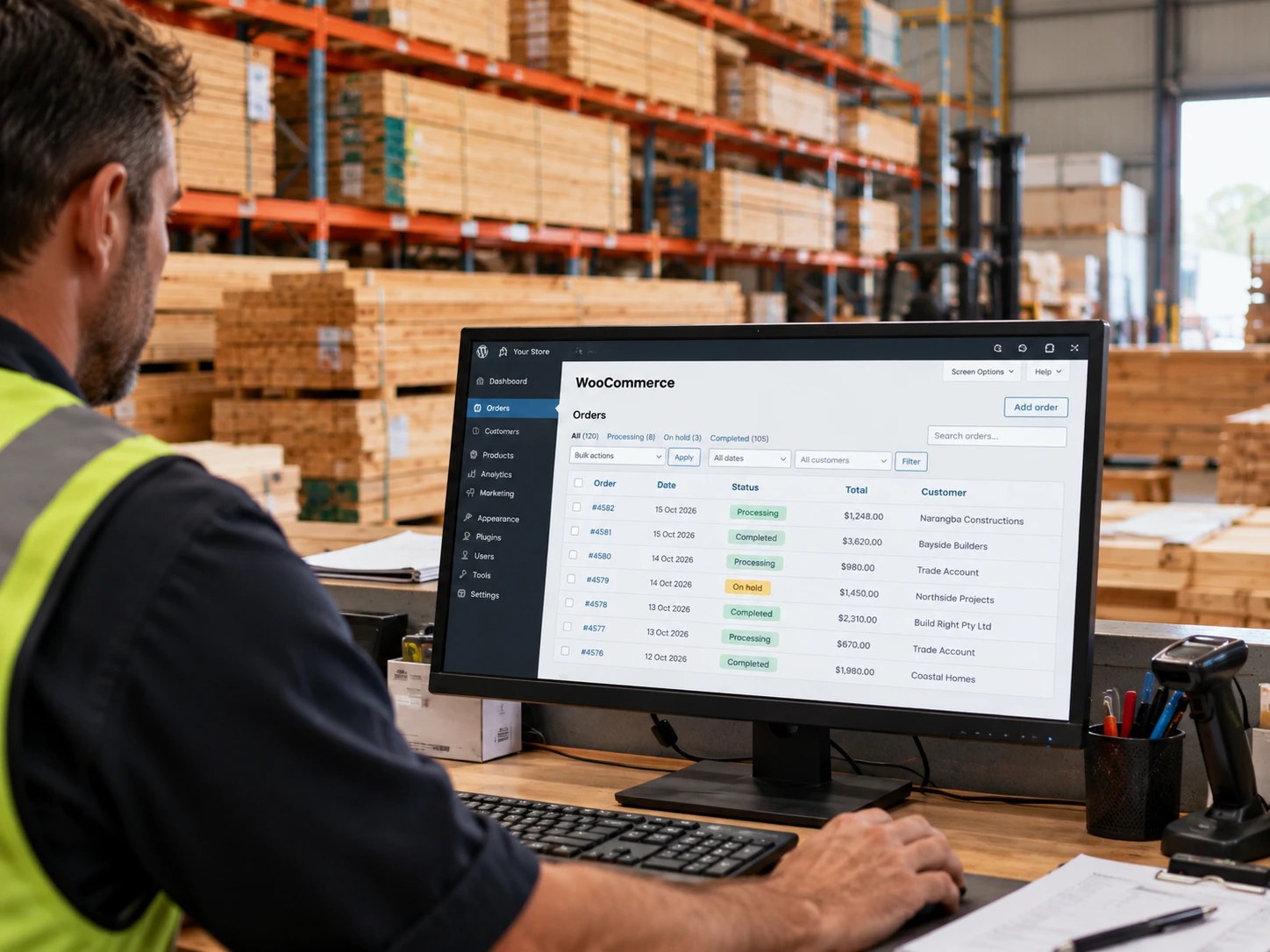
Accounting and ERP
Accounting and ERP
Orders, invoices, stock and pricing where your bookkeeper, warehouse and team expect them.
Orders and invoices in MYOB, with trade customers able to see their own invoices online. For Narangba Timbers, invoices are pulled from MYOB Acumatica into the customer's account.
See the MYOB integrationOrders, customers, stock and pricing kept in step between WooCommerce and your ERP. Used on more complex ecommerce builds such as Jaggards.
See the Business Central integrationNetSuite, SAP Business One, Pronto, Xero and others can be connected where the API or export process allows.
Talk to us about your ERP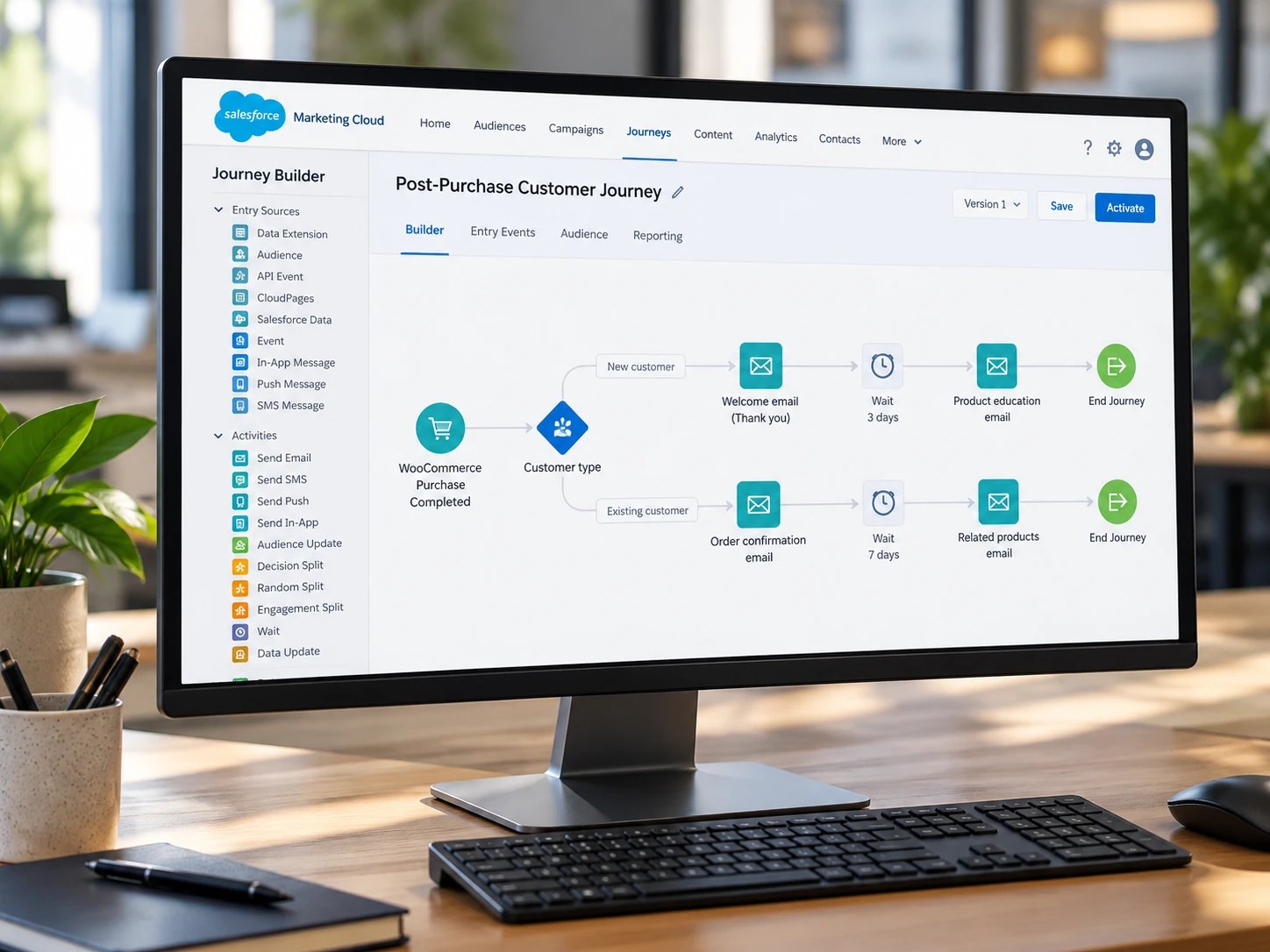
CRM and email
CRM, email and store platforms
Your customer and order data in the tools your sales and marketing teams already use.
Data loaded into Salesforce from the systems you already use. For Pacific Equity Partners, we built a secure uploader that sends share registry reports into Salesforce.
See the Salesforce integrationStores designed and built on StoreConnect, the ecommerce platform inside Salesforce.
See our StoreConnect workCustomers and what they buy synced into Mailchimp, so emails can match what each customer does.
See Mailchimp
Identity, shipping and custom
Identity, shipping and custom integrations
Identity checks, fulfilment, warehouses and the other systems your store needs to talk to.
Driver's licence, passport and Medicare checks, plus company and director verification, built into checkout. Live at Jaggards.
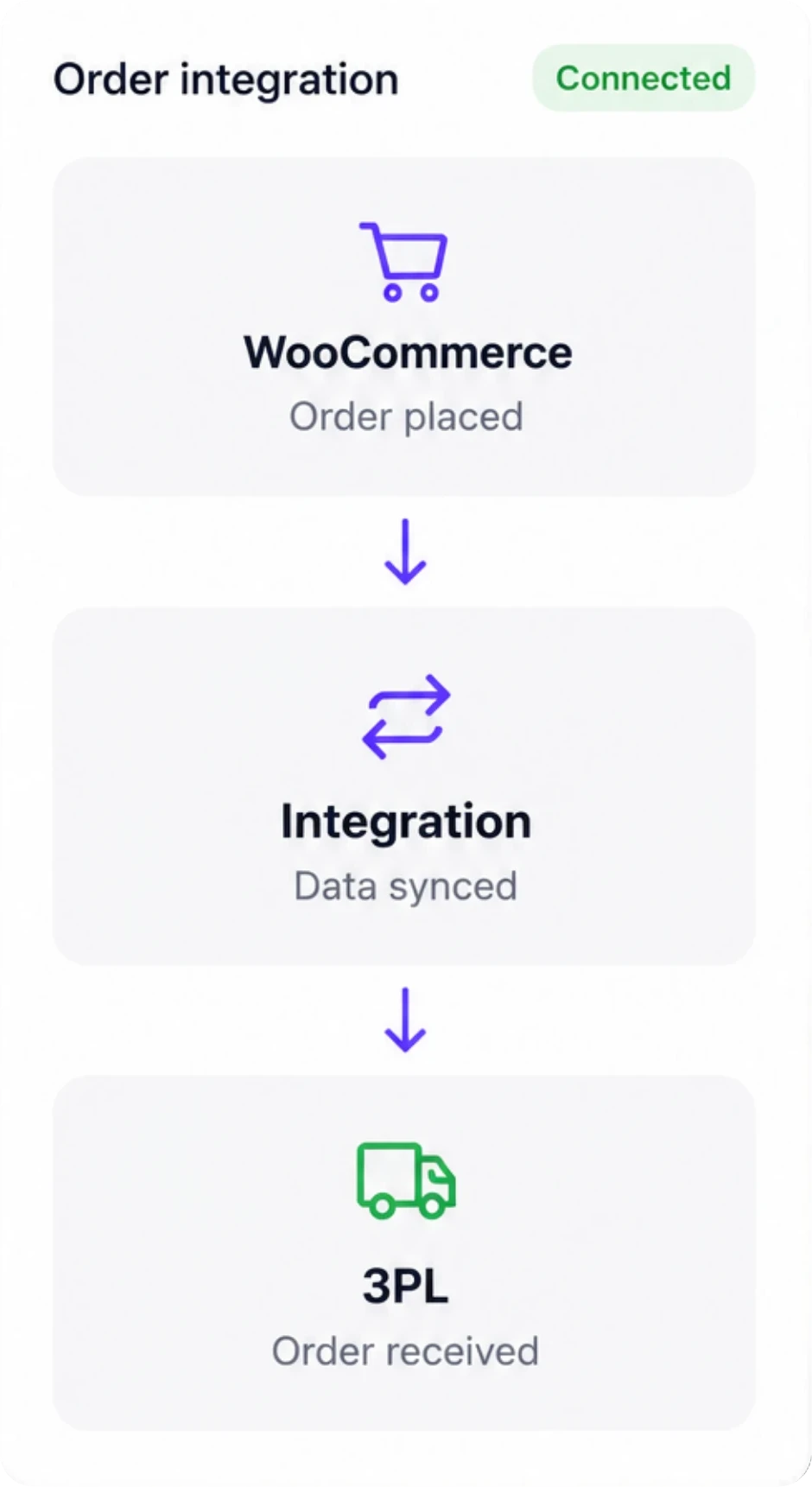
See BronID identity checksOnline orders sent to your 3PL, with tracking emailed back to customers. Built for Perdays with EWE.
See shipping and warehousesAny other system with an API, connected around the way your business actually works.
See custom API integrationsWhat stays in sync
Each system keeps the data it is best at, and the integration moves it where it needs to go.
We agree who owns what before we write any code.
-
Products and stock
Products can come from your POS or ERP, with stock levels updating on the website on a schedule, every 15 minutes by default.
-
Prices
Prices are set once in your source system, including online-only prices, specials, trade pricing and customer-specific pricing where needed.
-
Orders
Online orders go to your POS, ERP or accounting system as soon as they are placed, including pickup or delivery details and the time slot the customer chose.
-
Customers and loyalty
Customer details stay in step between systems, and loyalty points can be earned and spent in store or online where the systems allow.
-
Fulfilment
When staff mark an order as completed in the POS, ERP or warehouse system, WooCommerce can complete the order and notify the customer.
-
Invoices
Invoices from your accounting system can be shown to trade customers in their online account, so they do not have to ask your team for copies.
The process
How an integration project works
Most of the work goes into agreeing the rules, not just writing the code.
You're involved at each step.
Fixed quote before we start
-
01
Map your systems
We look at what you run, what each system should own, and what needs to move between them and how often.
-
02
A plan and a fixed quote
We map the data flows, the rules for each field, the edge cases, the timeline and the fixed price.
-
03
Build on a test copy
We build against a test copy of your WooCommerce store and a sandbox of your system where one exists, so nothing touches real customers or real money.
-
04
Test with real scenarios
We test orders, refunds, stock changes, price changes, failed syncs and edge cases with your team before anything goes live.
-
05
Launch, monitor and document
We switch it on, watch the sync log closely in the first weeks, and hand over documentation your team can use.
Integrations we've built
Some of the stores we've connected to the systems behind them.


Planning an ERP integration?
Our guide covers the decisions that matter: which system owns what, real time or scheduled sync, and what a production integration needs beyond moving the data.
Questions about WooCommerce integrations
It depends on the systems, how much data moves and the rules around it.
A simple one-way integration is very different from a full POS, ERP or accounting integration with stock, pricing, orders, customers, invoices and error handling. After an initial conversation, we give you a fixed quote so you know the price before we start.
A connector with the usual flows, products, stock and prices down to WooCommerce and orders back to the other system, is usually measured in weeks, not months.
Most of the time goes into agreeing the rules, testing edge cases and making sure the integration behaves properly when something unexpected happens.
Orders usually move as soon as they are placed.
Products, prices and stock often sync on a schedule, every 15 minutes by default, which can be shortened where it matters. We'll recommend the right approach based on your system, order volume and how quickly the data really needs to change.
If it has an API, we can usually connect it. If it only exports files, we can often work with those too.
Tell us what you use and we'll tell you what is possible.
For low volumes and simple data, yes. Zapier or Make can be a reasonable way to start.
Once you need rules about who owns each field, retries when something fails, order-line detail, stock control, pricing logic or a sync log your team can understand, a proper connector is usually more reliable.
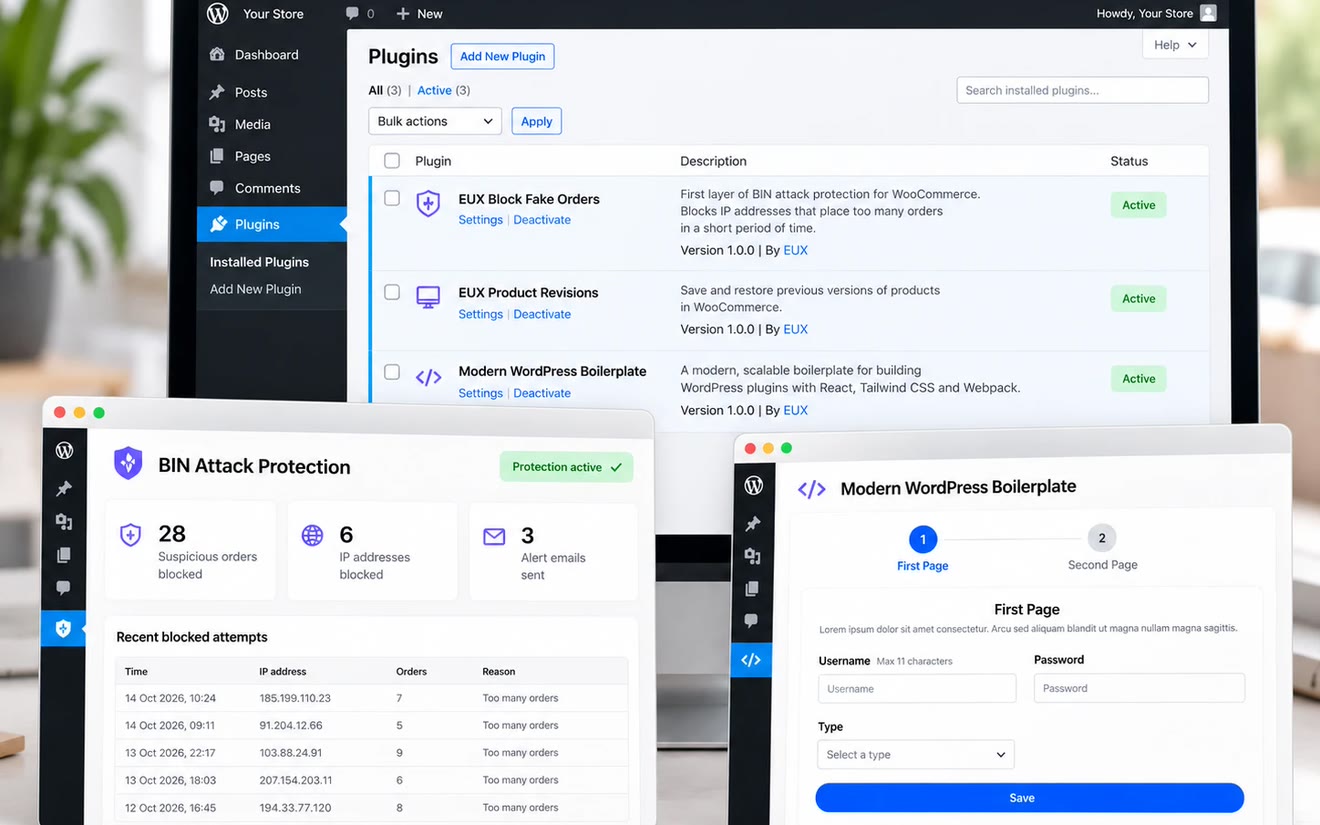
Our integrations keep a sync log in the WordPress admin, so your team can see what went through without calling a developer.
If something fails, we can see why, fix the cause and resend the data where possible.
Yes. Integrations need looking after when WooCommerce, plugins or the other system changes.
We can cover that with a support and maintenance plan.
Most of our integration work is on WooCommerce, because it gives us more control over how the store and your systems work together.
We do work with Shopify too. Tell us what you need to connect and we'll tell you what is possible.


Talk to us about your systems
Tell us what you run and what needs to talk to your store. A real person from our Sydney team will get back to you to talk it through.
Rather talk now? Call us(02) 9121 6234We'll only use your details to reply to you.