

 WooCommerce Pro Partner
 WordPress Pro Partner















Trade ordering your customers will actually use
WooCommerce B2B and wholesale stores for Australian suppliers. Give trade customers account pricing, quotes, invoices and easy reordering, connected to MYOB, Business Central or the rest of your business.















Trade ordering should be easier
Most trade businesses come to us when ordering has outgrown phone calls, emails, spreadsheets and disconnected systems.
-
Orders by phone and email
Trade orders arrive by phone, email and text, and someone has to enter every one by hand.
-
Customer pricing in spreadsheets
Different customers get different prices, kept in spreadsheets that are hard to keep up to date.
-
Customers chasing invoices
Customers ring or email for invoices and statements your team has to find and send.
-
Quotes lost in inboxes
Quotes go out as PDFs, then get changed, chased and retyped when the customer is ready to buy.
-
Separate retail and trade stores
Trade customers can't use your online store, so you maintain a separate site with its own logins, products and stock.
-
An old portal nobody uses
Customers avoid the portal because it's slow, hard to search or disconnected from your accounts system.
What a WooCommerce B2B store can do
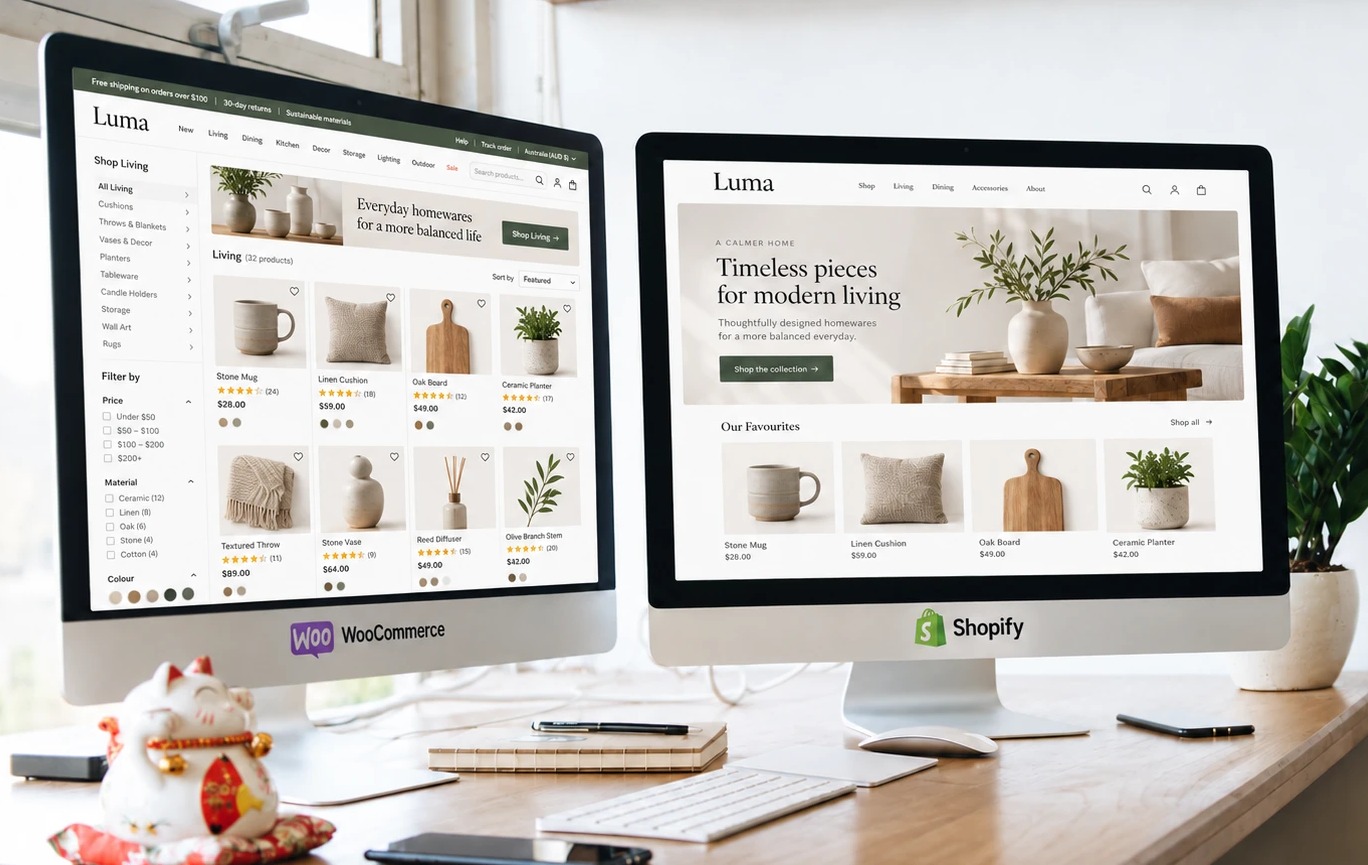
Trade and retail customers can share one store, with the right products, pricing and ordering options for each.
Trade accounts
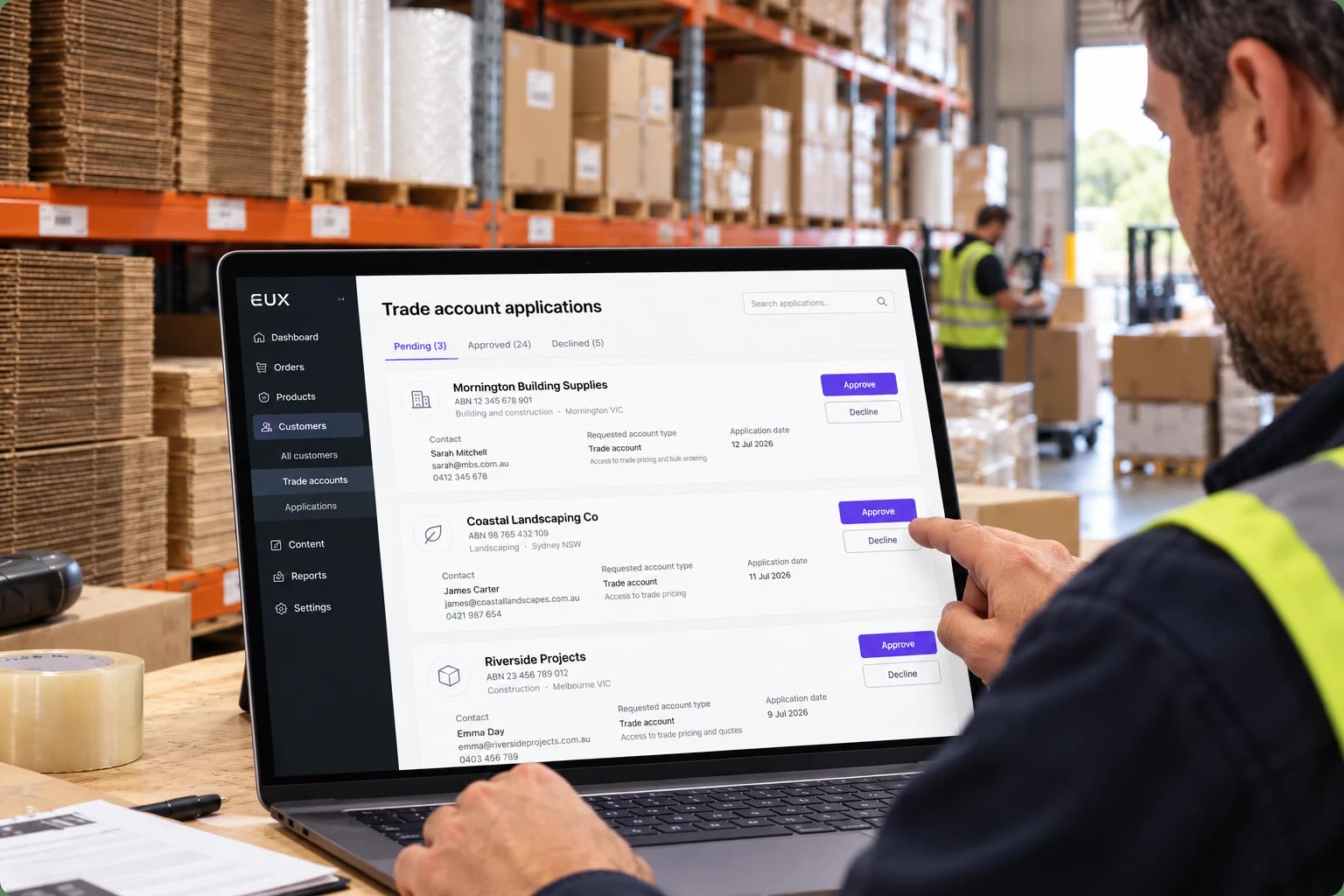
Set up and manage trade accounts
You decide who gets a trade account and what they see once they log in.
Customers apply for a trade account and you approve who gets access. Approved customers get an email with their login, and declined applications get a polite email too.
Trade prices can be hidden until a customer logs in, or shown next to your public prices once they do.
We can set up the trade customers you already have, so they don't have to apply again.
Customer pricing
The right price for each customer
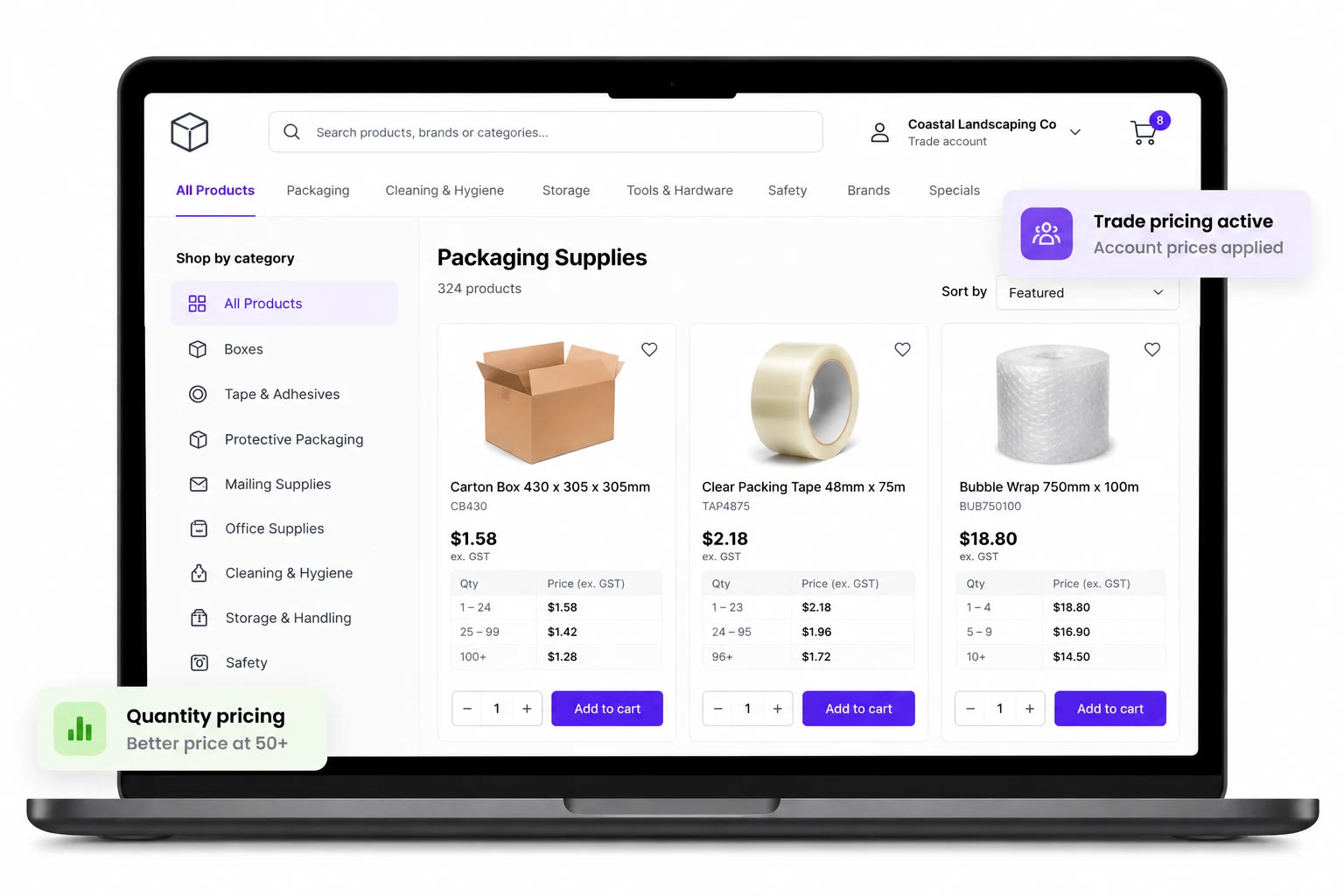
Public prices for retail customers, account prices for trade.
Each trade customer belongs to a pricing group and sees that group's prices across the store as soon as they log in.
Lower prices for larger quantities or higher tiers, calculated automatically in the cart.
Where your prices live in MYOB, Business Central or another ERP, we connect the store so prices are managed in one place.
 A B2B store with wholesale logins and tiered pricing.
Enmore Box & Case Factory, a packaging supplier.
Visit the website
Quotes and reordering
Quotes and repeat orders made easier
For customers who plan a job first, or buy the same things every week.
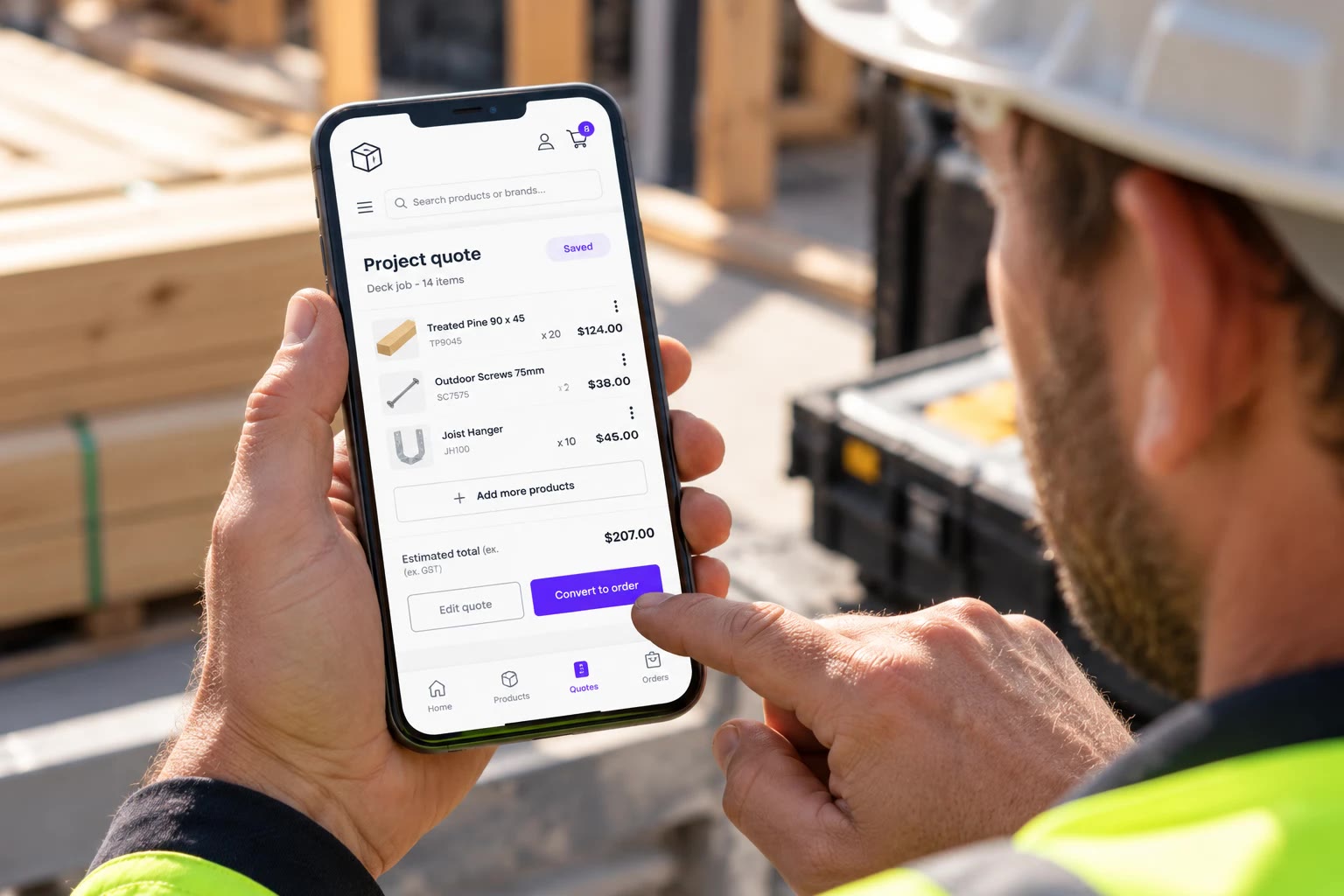
Customers build and save a quote, update it as the job changes, then place the order when they're ready.
When a delivery falls outside your usual zones, customers can request a freight quote instead of being shown an inaccurate delivery price.
Customers can find a past order and order the same products again in a few clicks.
 Project quotes customers can save, edit and pay for later.
Narangba Timbers, timber and building supplies.
Read the case study
Finding products
Finding products fast
Trade customers know what they want. The store should get out of their way.
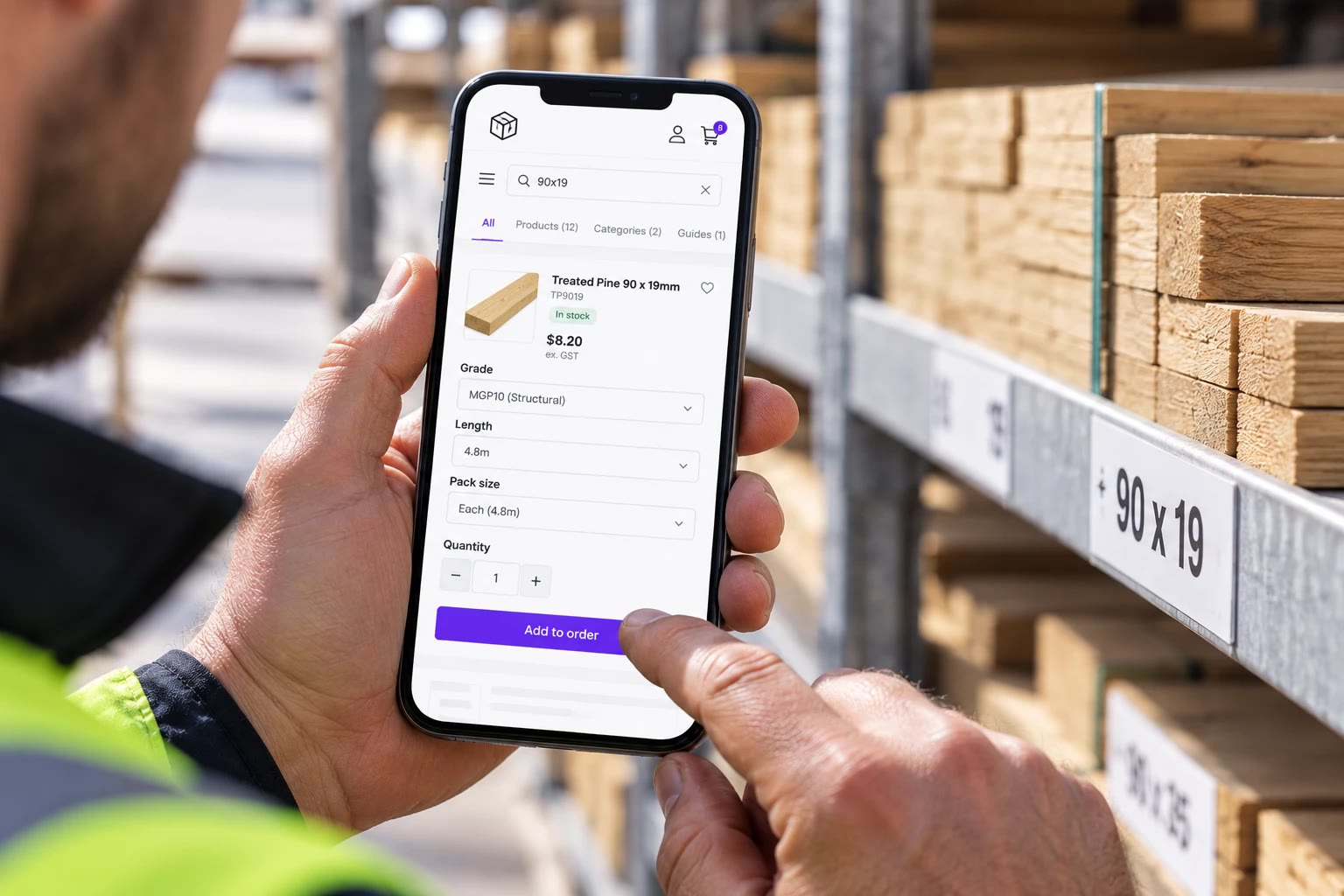
Type a size like 90x19 or a product code and go straight to the right product, with the options already filled in.
Fast on a phone on site, and quick enough for your own team to use when a customer rings.
Sizes, grades, finishes and pack quantities are structured so customers can find the right product quickly. We can import the data from your files or accounts system.
Invoices and collection
Invoices, orders and collection
Take the paperwork out of trade ordering, with invoices, orders and collection handled online.
Customers can see their invoices in their account, pulled from your accounts system, such as MYOB Acumatica, instead of asking your team for copies.
Trade orders flow into MYOB, Business Central or your ERP, so nobody types them in again.
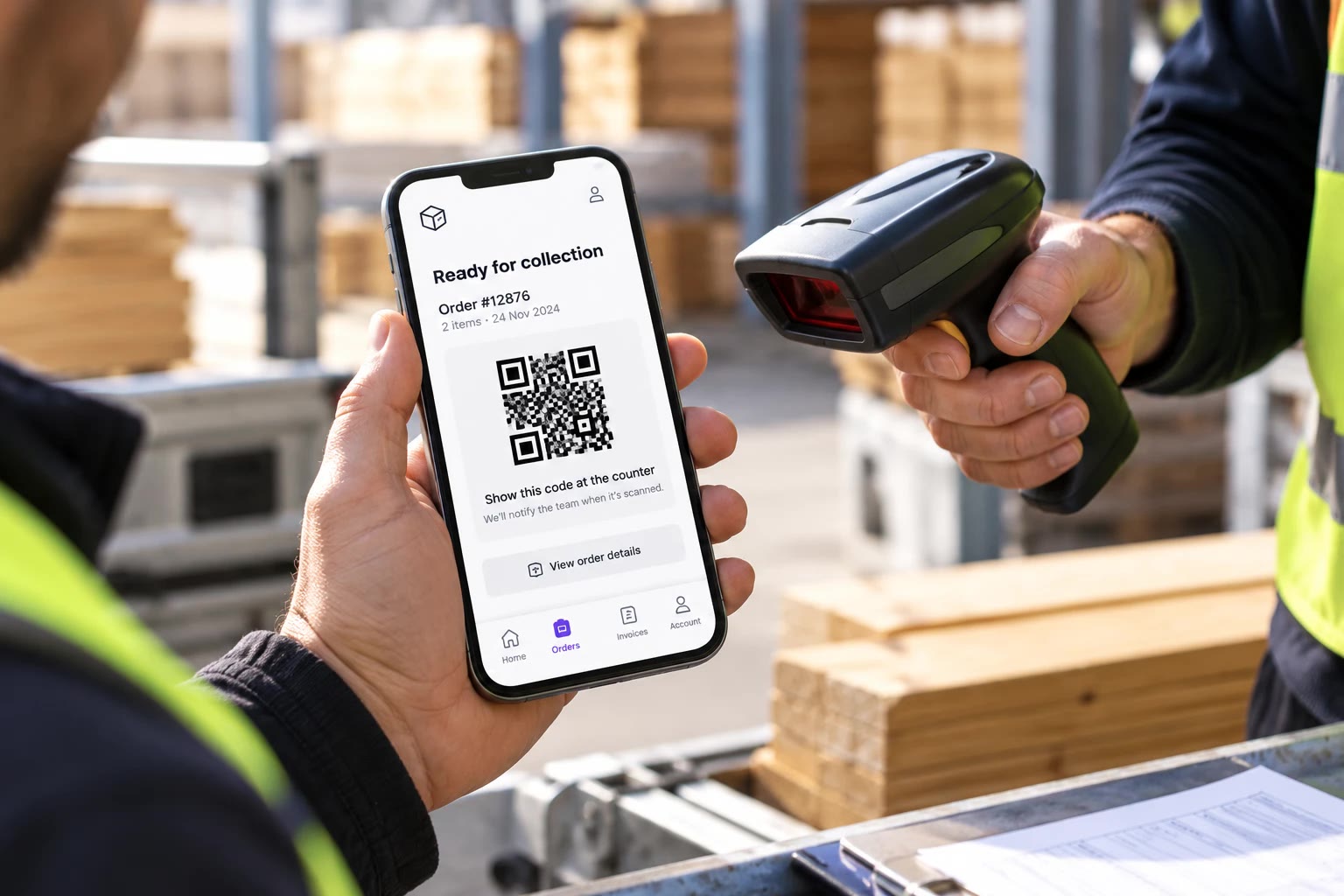
Customers get a collection link by text. When they arrive, their QR code is scanned and your team is notified.
Invoices and orders connected to MYOB Acumatica.
With pick up, delivery and QR code collection.
Read the case study
Trade and B2B stores we've built
Suppliers selling to trade customers online, with their accounts system connected.



The process
How a trade store comes together
Most trade stores follow the same five steps, with your team and a few of your customers involved along the way.
Scope and fixed price agreed before work begins
-
01
How your customers order today
We look at how you handle trade orders, pricing, quotes and invoices today, and how your accounts system fits in.
-
02
A plan and a fixed quote
We map out what the store needs, what it connects to, the timeline and a fixed price.
-
03
Build and connect
We build the trade store in a private staging environment and connect it to MYOB, your ERP or other business systems.
-
04
Try it with a few customers
A handful of your regular trade customers place real orders first, and we adjust the store based on what they tell us.
-
05
Invite everyone
Your trade customers get their logins, and we monitor orders closely in the first few weeks.
Already on WooCommerce?
Trade accounts, customer pricing, quotes and reordering can usually be added to the store you already have, without starting again.
Questions about WooCommerce B2B and wholesale
Yes. Retail customers see your public prices, while trade customers log in to see their own pricing and options. It's one store, with the same products and stock.
Yes. Trade customers can be assigned to pricing groups, with tiered or quantity pricing on top.
If you have contract pricing for individual customers, we look at how it's managed in your accounts system and plan the store around it.
Yes. Customers can see invoices in their trade account without asking your team for copies.
For Narangba Timbers, invoices are pulled directly from MYOB Acumatica into the customer's account.
Yes. We connect WooCommerce to MYOB, Microsoft Business Central and other accounting and ERP systems, so orders, customers and pricing don't need to be entered twice. See what we connect.
Usually, yes. We can add trade registration, account approvals, customer pricing, quote requests and other B2B features to an existing WooCommerce store, even if we didn't build it.
Whichever fits. A proven plugin is often right for simpler trade setups. When your pricing, approvals or accounts system needs something more specific, we build what's needed around it.
Not always. WooCommerce is a strong fit when you need customer-specific pricing, unusual ordering rules or connections to systems such as MYOB, Business Central or your ERP.
If another platform is a better fit for the way your business works, we'll tell you.
The cost depends on what you already have and how much the store needs to do.
Adding B2B features to an existing WooCommerce store: typically A$5,000 to A$15,000 + GST for trade accounts, customer pricing and other straightforward B2B features.
A complete B2B or wholesale store: typically A$15,000 to A$40,000 + GST for a new trade store with customer accounts, pricing, quotes and ordering.
A connected trade store: typically A$25,000 to A$60,000 or more + GST where the store also connects to MYOB, Business Central or another ERP, with more complex pricing, products or workflows.
You get a fixed quote before we start.

Talk to us about trade ordering
Tell us how your trade customers order today and which accounts system you use. A real person from our Sydney team will get back to you to talk it through.
Rather talk now? Call us(02) 9121 6234We'll only use your details to reply to you.