
 Real Time Sync
 Sync Orders
 Sync Customers
 Sync Products & Stock
WooCommerce Integrations & Custom Development
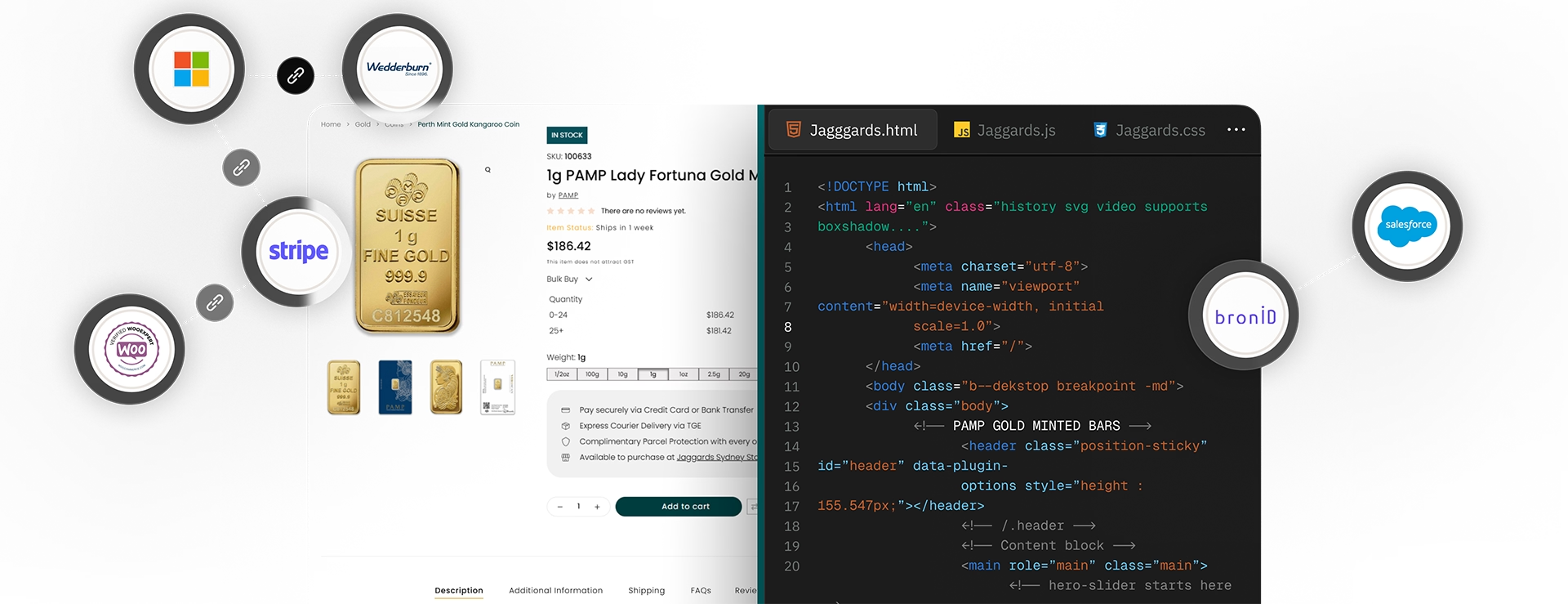
We specialise in WooCommerce integrations and custom development, connecting your store with ERP, POS, payment, and third-party systems. Our solutions automate workflows, reduce errors, and deliver measurable growth.
WooCommerce Integrations & Custom Development
We specialise in WooCommerce integrations and custom development, connecting your store with ERP, POS, payment, and third-party systems. Our solutions automate workflows, reduce errors, and deliver measurable growth.
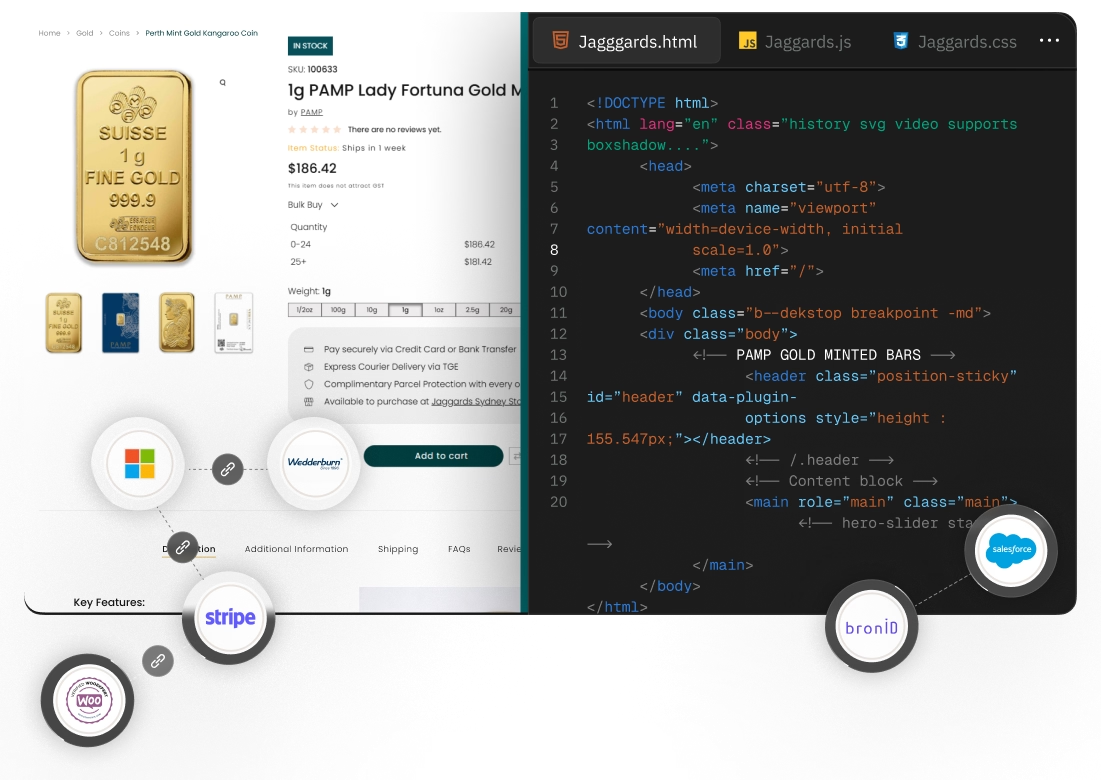
Our Custom Development & Integration Services
Custom Development
Custom WooCommerce solutions and plugins tailored to your store and business systems, designed to streamline operations and scale online performance
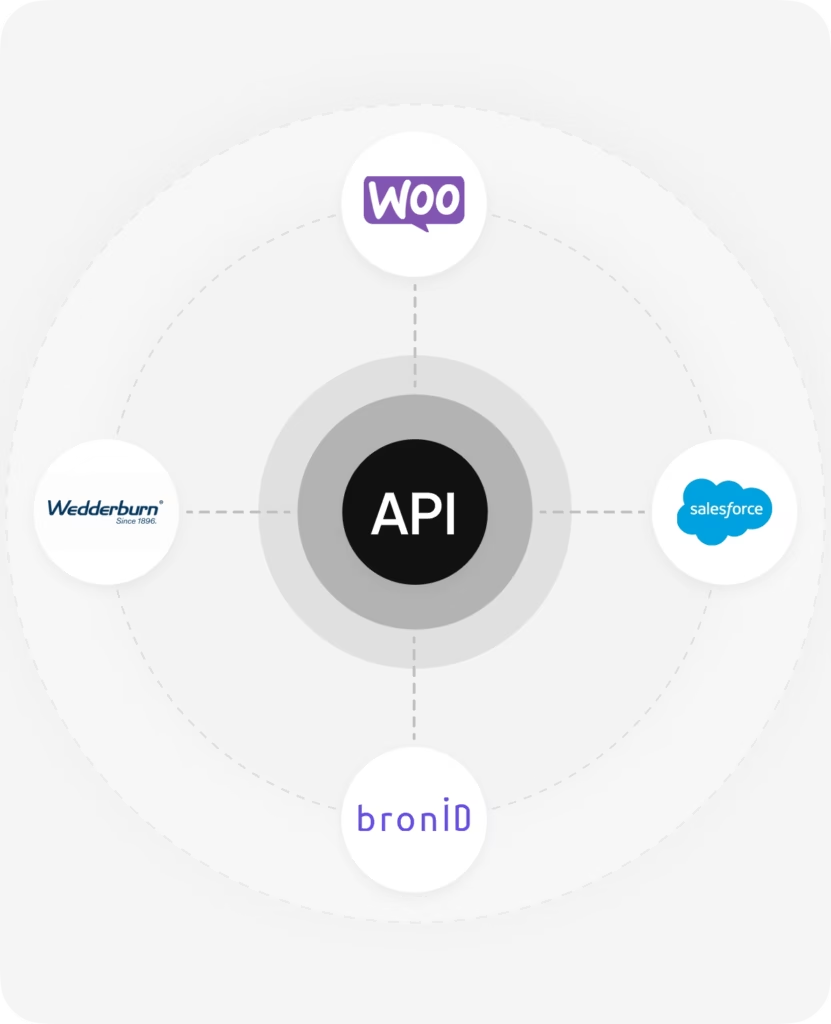
API Integrations
Integrate WooCommerce with Microsoft Business Central, Salesforce, POS, or other platforms for real-time syncing, automated workflows, and seamless data flow.
Workflow Automation
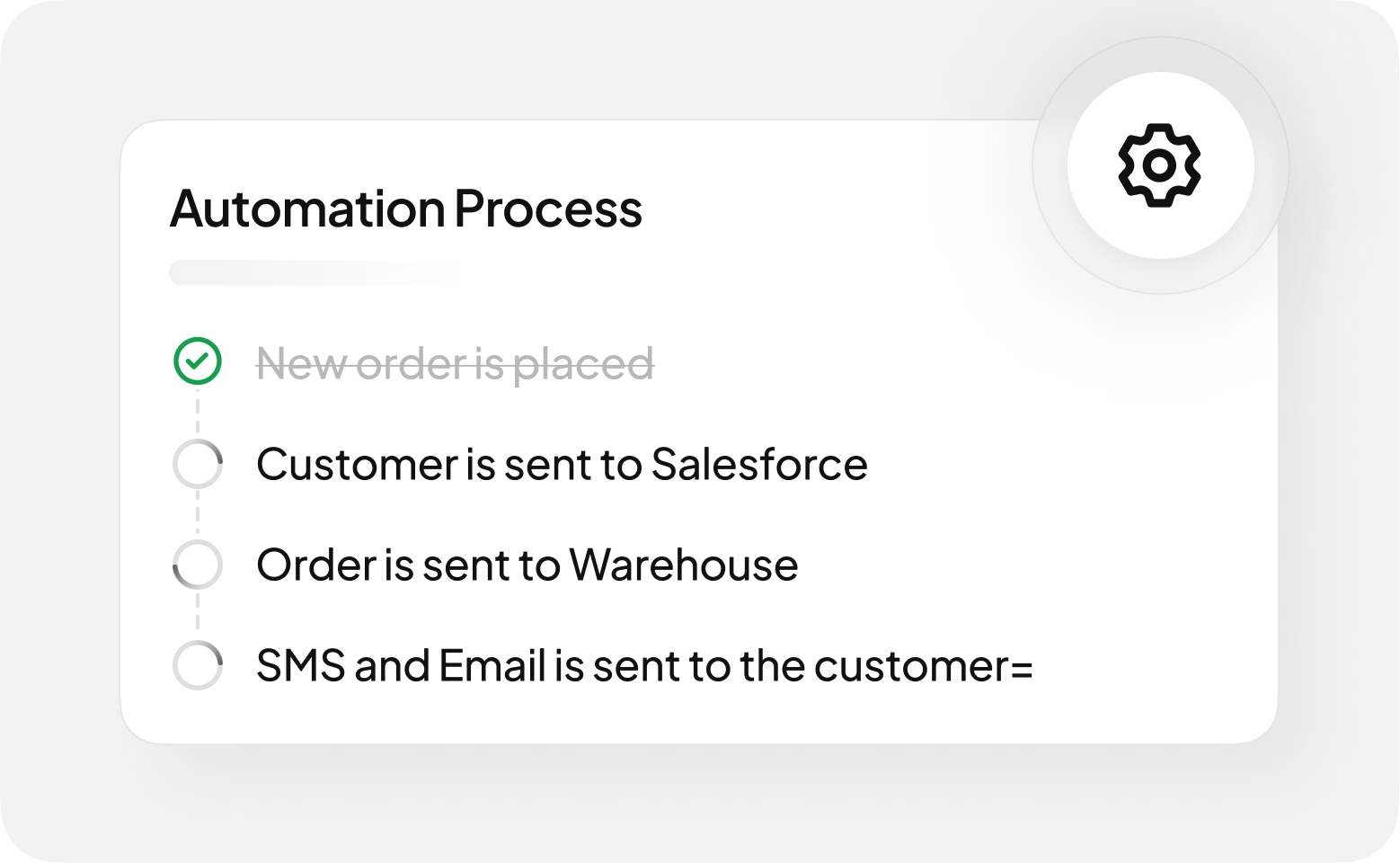
Automate WooCommerce order management, inventory updates, and customer workflows so your team can focus on growth, not manual tasks.
Custom Plugins & Extensions
Build WooCommerce plugins and extensions to add custom features, optimise store performance, and integrate with your key systems.
Proof of Concept (POC) Development
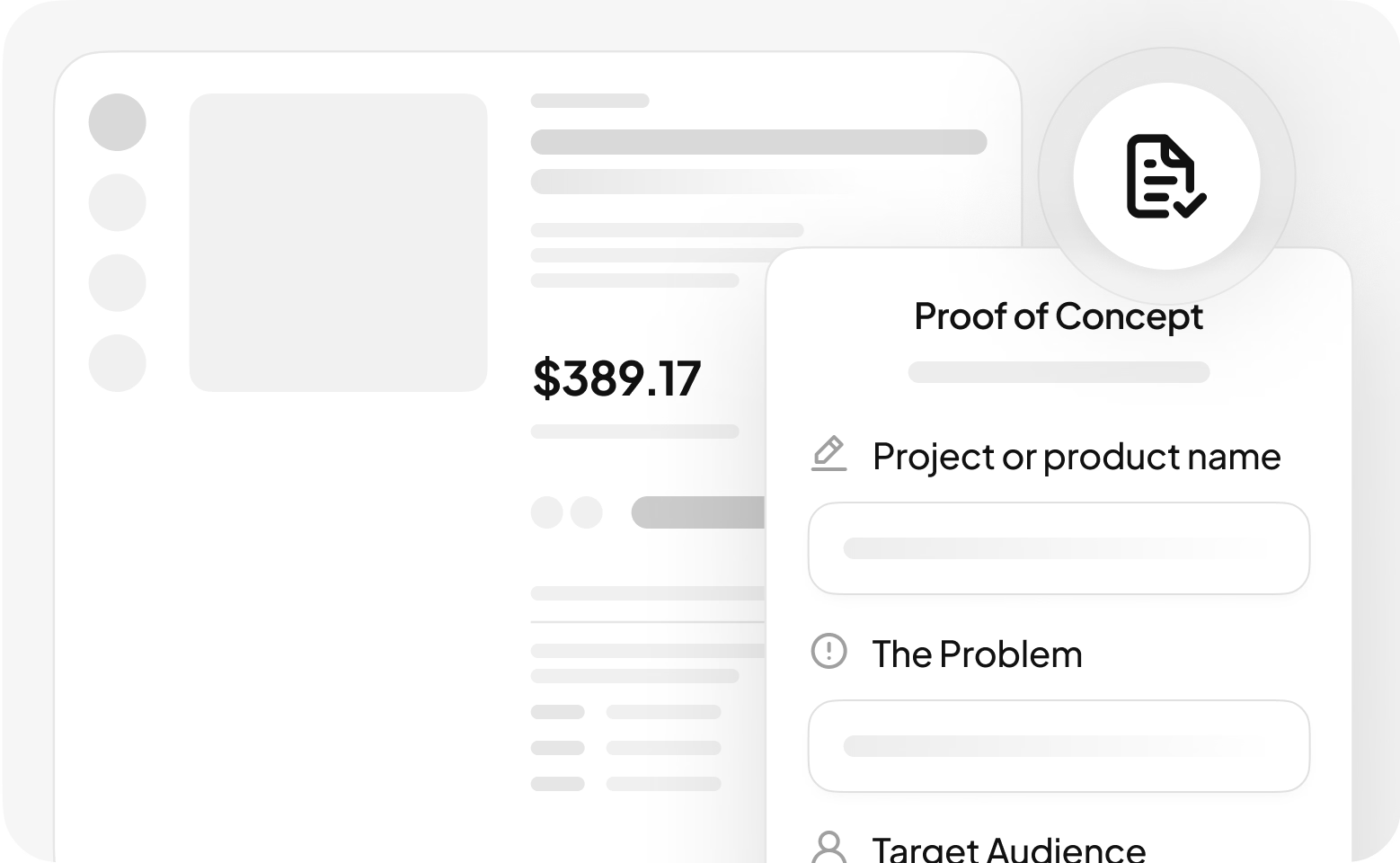
We build and test prototypes to validate ideas, reducing risks and maximizing ROI.
Custom Development
Custom WooCommerce solutions and plugins tailored to your store and business systems, designed to streamline operations and scale online performance.
API Integrations
Integrate WooCommerce with Microsoft Business Central, Salesforce, POS, or other platforms for real-time syncing, automated workflows, and seamless data flow.
Workflow Automation
Automate WooCommerce order management, inventory updates, and customer workflows so your team can focus on growth, not manual tasks.
Custom Plugins & Extensions
Build WooCommerce plugins and extensions to add custom features, optimise store performance, and integrate with your key systems.
Proof of Concept (POC) Development
We build and test prototypes to validate ideas, reducing risks and maximizing ROI.
Latest Integrations
We’re more than developers – we’re a performance-driven team that builds WooCommerce and custom solutions designed to scale. Our focus is clear: seamless integrations, efficient workflows, and results that matter.
Microsoft Business Central & WooCommerce Integration
Seamlessly connect your WooCommerce store with Microsoft Business Central (ERP) for real-time, automated data syncing. Our integration, built using the WooCommerce REST API and Microsoft Power Automate, ensures accurate, up-to-the-minute updates across your eCommerce and ERP systems.
Designed for high-growth businesses, this integration eliminates manual data entry, reduces errors, and enhances operational efficiency.
💡 Custom configurations available to match your unique business processes.
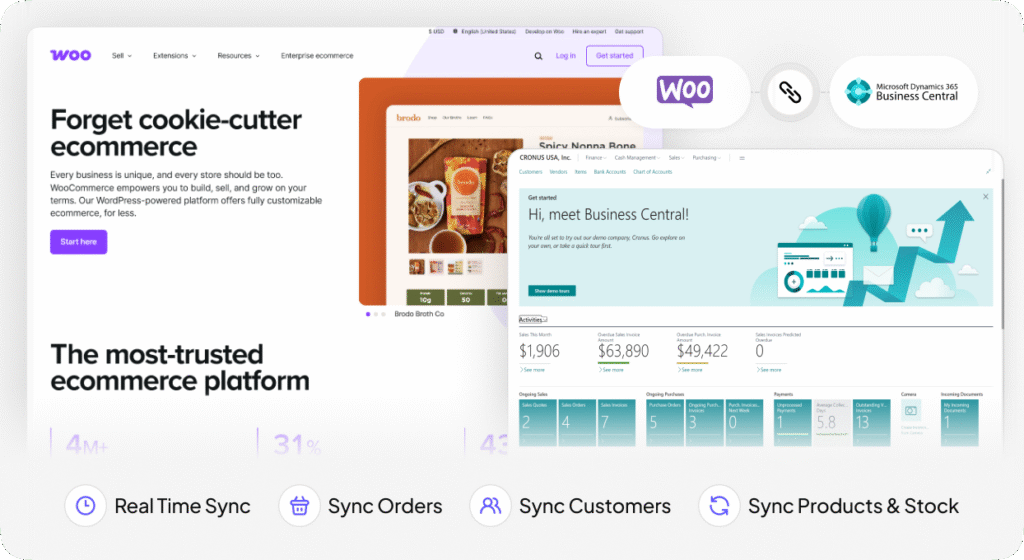
- Real Time Sync
- Sync Orders
- Sync Customers
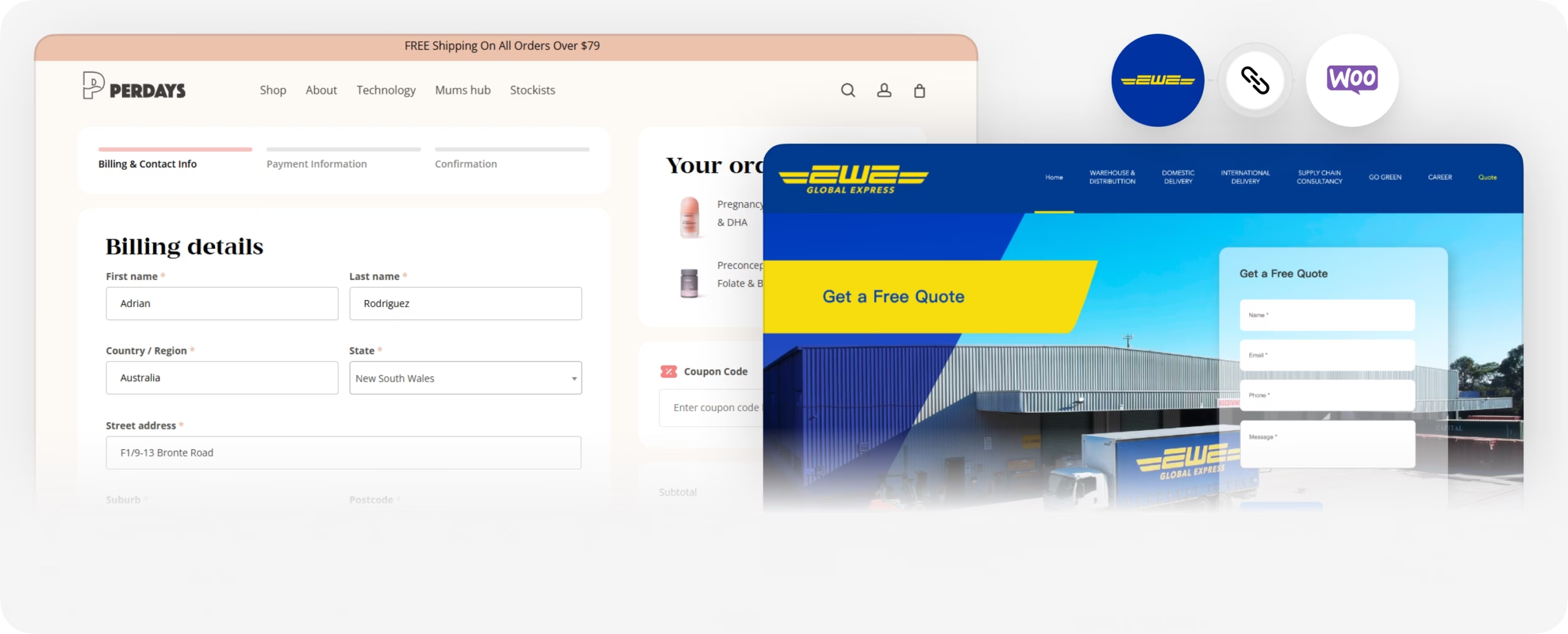
Woocommerce EWE Warehouse Integration
Seamless warehouse integration for instant order processing, ensuring real-time synchronisation of orders and customer data with EWE logistics.
 Dynamic %
 Capture or Cancel Charge
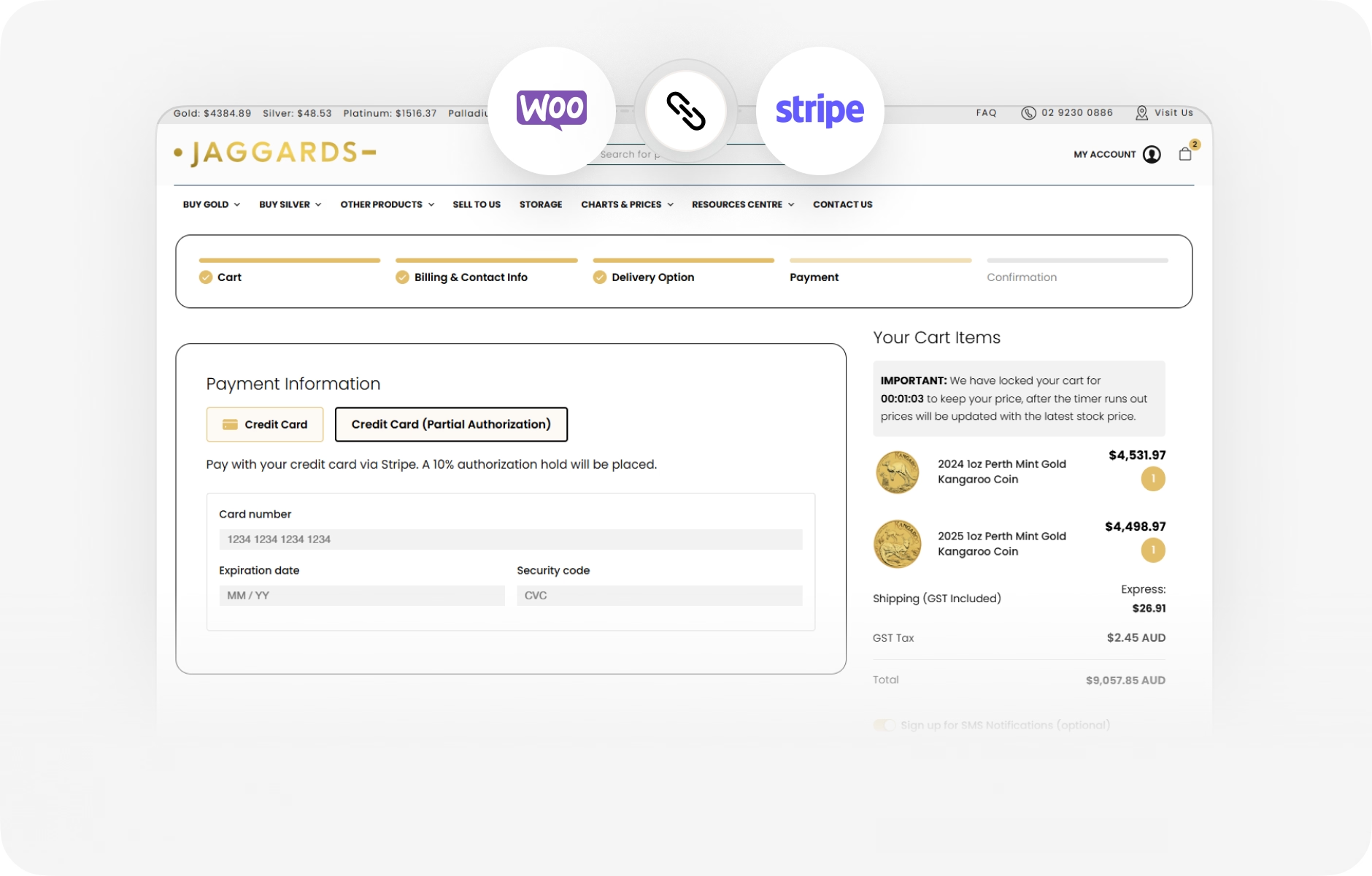
Woocommerce Stripe Authorise Integration
The WooCommerce Stripe Authorize Integration secures payments with a dynamic deposit system. A % hold is placed on the customer’s card, voided if they complete payment via bank transfer, or charged if they don’t. This ensures flexibility while reducing payment risks.
 Data Upload via Admin or SFTP
 Automatic Data Mapping & Manipulation
 Salesforce Data Creation
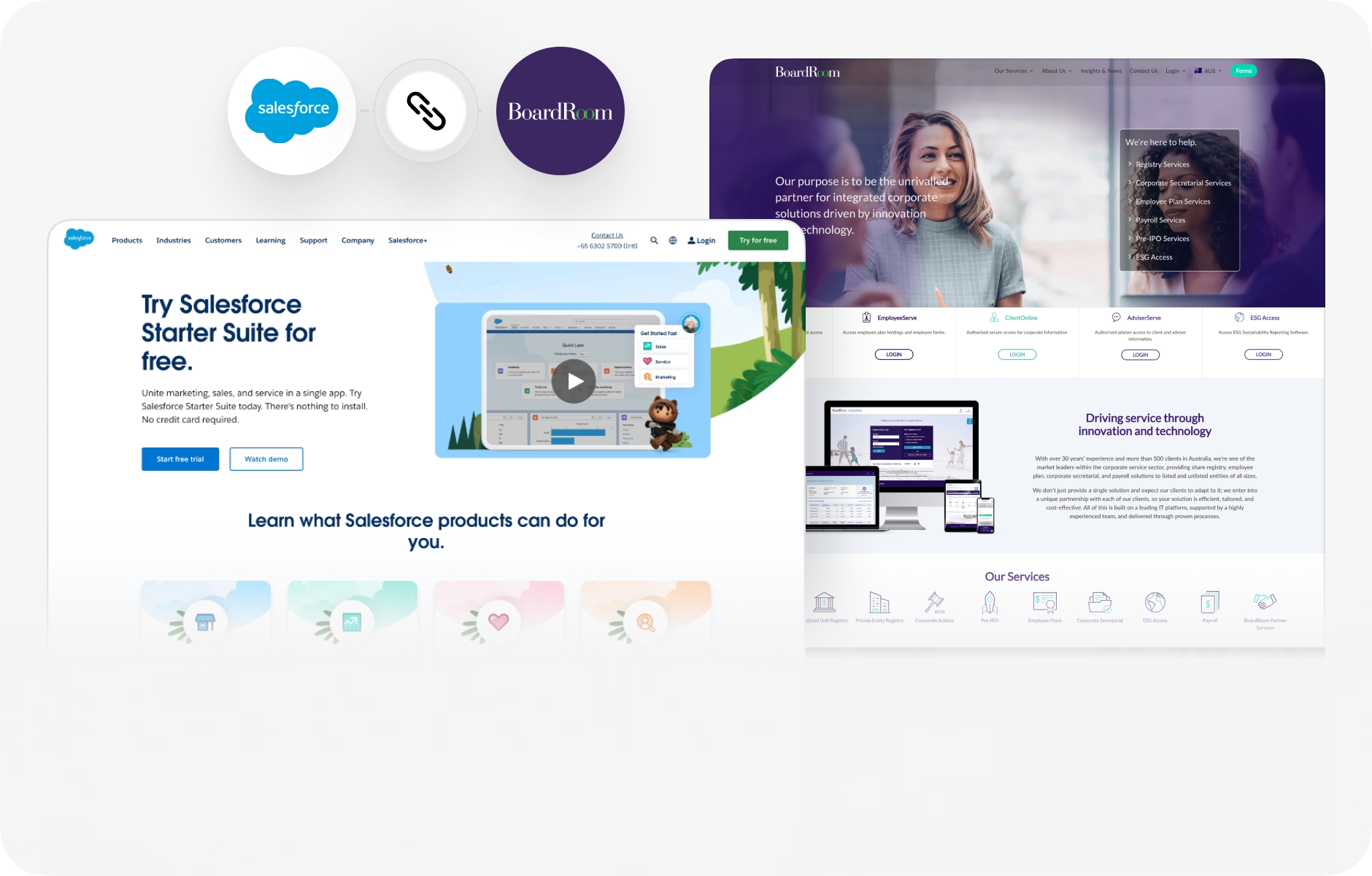
Boardroom & Salesforce Integration
Automated Salesforce data creation through seamless integration, including data uploads via Admin or SFTP, with automated data mapping and transformation.
 Real Time Driver’s license verification
 5m verification for Business
 Custom Verification Process
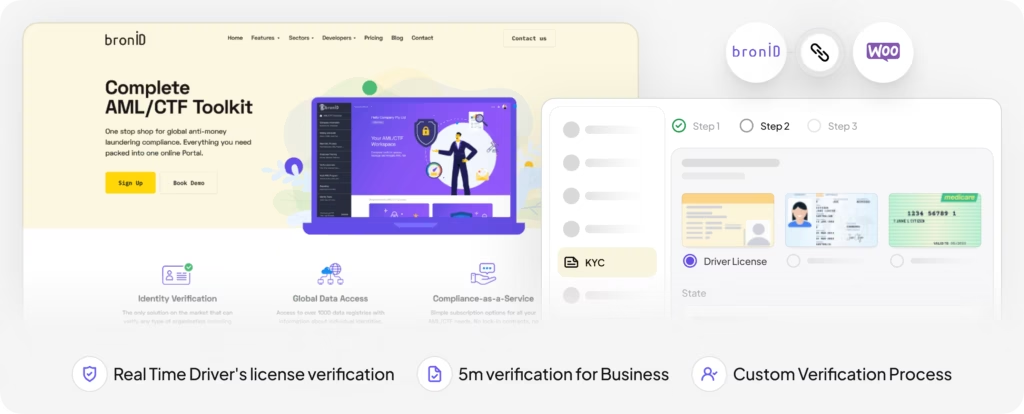
Woocommerce BronID Integration
Real-time driver’s license and business identity verification via BronID, ensuring rapid (5-min) customer onboarding with tailored verification workflows.
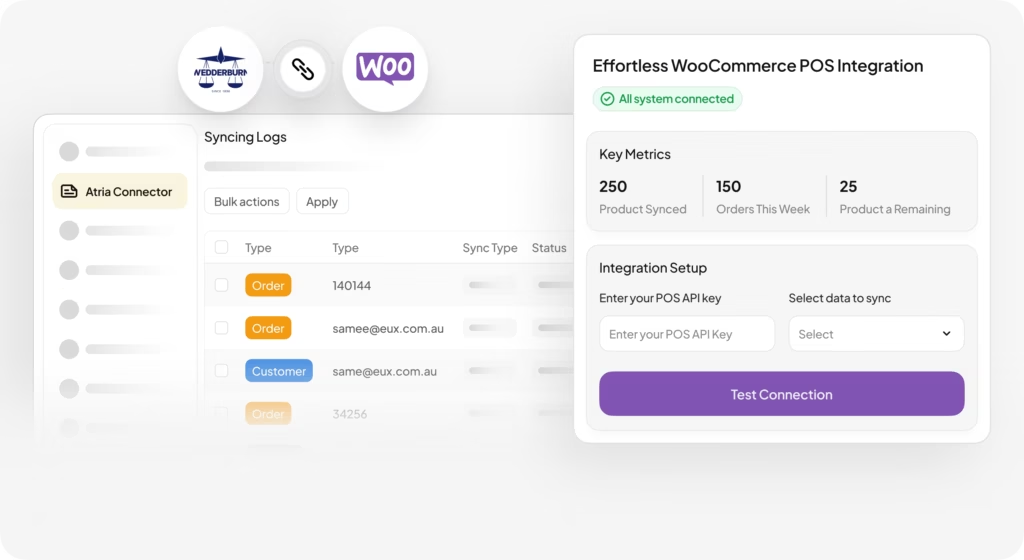
- Real Time Sync
- Sync Orders
- Sync Customers
- Sync Products & Stock
Wedderburn POS & Woocommerce Integration
Real-time synchronisation of orders, customers, products, and inventory between Wedderburn ATRIA POS and WooCommerce, creating a seamless retail and online experience.
Ready to Build Your Custom WooCommerce Solution?
Our team delivers fast, reliable, and scalable WooCommerce integrations, stores, and plugins—on time and on budget. Let’s talk about your project.
Happy Clients, Scalable Solutions
Our clients choose EUX for scalable WooCommerce builds and seamless integrations that actually work.

199
+
Websites

60
+
API Integrations

83
+
Custom Developed Systems

Acknowledged As One Of The Industry’s Most Reputable Precious Metal Bullion Dealers.Jaggards has been paving the golden path for 60 years.

PEP is Australasia’s oldest and largest private equity firm, with A$14 billion AUM across various investment strategies.

Wedderburn specializes in labeling, weighing, packaging, food equipment, and POS systems, thriving since 1896 through customer and employee dedication.

Able Foods provides nutritious, great-tasting meals for older Australians and people with disabilities, supporting independence with expert NDIS and Aged Care services.

Premium, scientifically backed nutritional supplements for women, by women

Repanels Group has led Europe in high-quality sectional door panels for 20+ years, driving innovation and excellence.

TopSMS is Australia’s most intuitive SMS marketing platform and one of the leading providers for Bulk SMS in the country.

Australia’s most awarded butcher’s shop. Continually striving to bring the freshest, tastiest products to their valued customers at the best price.
Developer-as-a-Service (DaaS)
Flexible WooCommerce expertise on demand
Our Developer as a Service model gives you access to senior WooCommerce developers whenever you need them. Whether it’s building custom integrations, creating bespoke plugins, or troubleshooting complex workflows, we act as an extension of your team—fast, reliable, and focused on results.
Key Benefits
- On-demand WooCommerce and WordPress expertise
- Custom plugin and integration development
- Seamless collaboration with your internal team
- Flexible monthly packages tailored to your business needs
WooCommerce Integrations FAQs
Can WooCommerce integrate with our ERP or internal systems?
Yes. WooCommerce can integrate with ERPs, CRMs, POS platforms and custom internal systems via APIs, webhooks and middleware.
However, the success of the integration depends on data structure, sync logic, error handling and system constraints, not just connectivity.
For most established businesses, this goes well beyond off-the-shelf plugins and requires custom integration architecture to ensure reliability and performance at scale.
When do WooCommerce plugins stop being reliable for integrations?
Plugins work well for simple, low-volume use cases, but they often become unreliable when:
- Multiple systems are involved
- Real-time or near-real-time sync is required
- Data rules become complex (pricing, inventory, fulfilment, refunds)
At that point, businesses typically experience sync delays, data mismatches or failures after updates, which is where custom-built integrations become necessary.
How much does a custom WooCommerce integration cost?
Custom WooCommerce integrations vary widely in cost, depending on:
- Number of systems involved
- Data complexity and volume
- Real-time vs batch syncing requirements
- Error handling and fail-safes
In practice, serious integrations are scoped projects, not fixed plugins. A proper discovery phase is essential to define requirements, risks and long-term support needs before committing to a build.
Is WooCommerce suitable for complex or high-volume businesses?
Yes. WooCommerce can support complex and high-volume operations when it’s engineered correctly.
The platform itself is flexible, but complexity must be handled through:
- Custom integration logic
- Scalable infrastructure
- Careful API and performance management
Most issues attributed to “WooCommerce limits” are actually caused by poor integration design, not the platform itself.
Should we use plugins or build a custom WooCommerce integration?
That depends on business criticality and risk tolerance.
Plugins are suitable when:
- Data accuracy is not mission-critical
- Volumes are low
- Failures are acceptable
Custom integrations are recommended when:
- Revenue, inventory or fulfilment depend on data accuracy
- Multiple systems must stay in sync
- Downtime or data loss is costly
For many businesses, plugins become temporary solutions that eventually need to be replaced.
How do you prevent integrations breaking during WooCommerce updates?
A robust integration includes:
- Version-aware API usage
- Staging and testing workflows
- Clear separation between WooCommerce core and custom logic
- Ongoing monitoring and maintenance
Without this, updates from WooCommerce, plugins or third-party systems frequently cause breakages.
What happens if an integration fails or data goes out of sync?
Poorly designed integrations often fail silently, leading to:
- Incorrect inventory
- Missed or duplicated orders
- Accounting and fulfilment issues
A properly engineered WooCommerce integration includes:
- Logging and error detection
- Retry and reconciliation logic
- Clear recovery processes
This is critical for businesses where WooCommerce is connected to operational systems, not just the website.