
Description
Stop overselling your Saturdays.
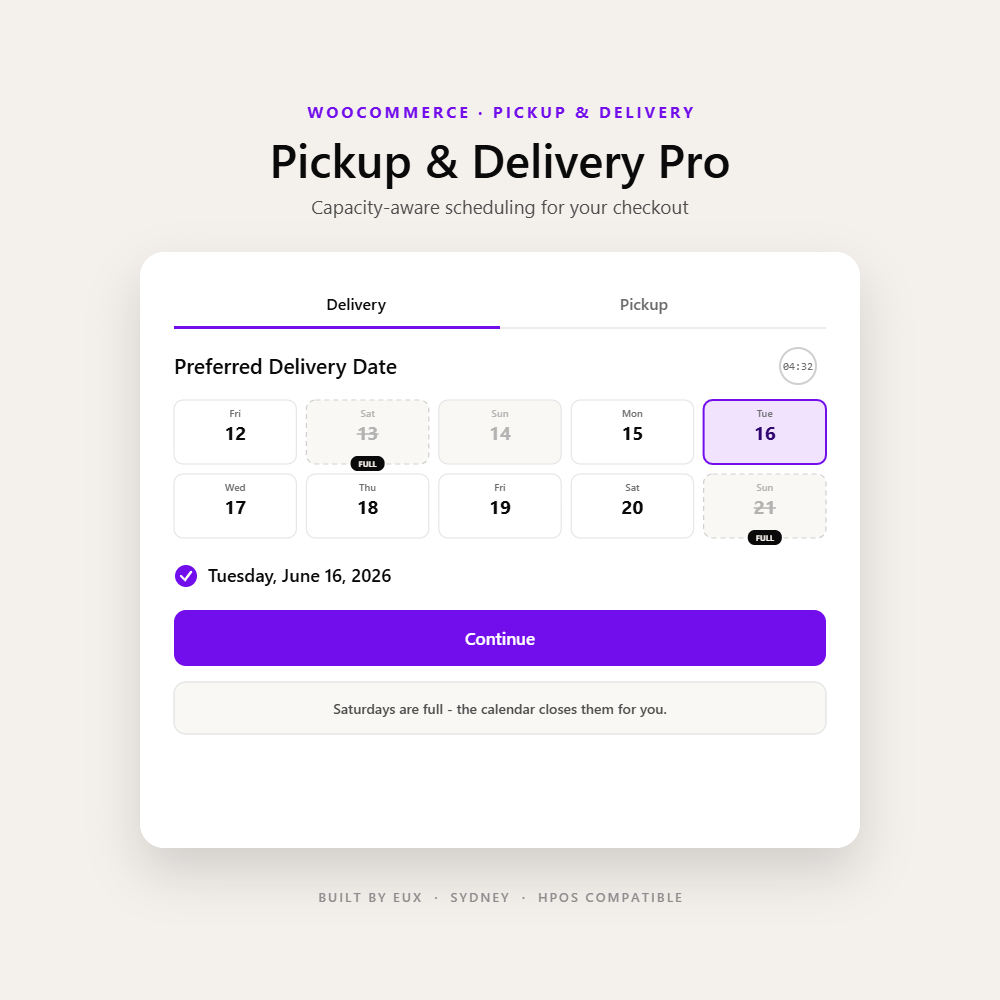
WooCommerce takes the order but knows nothing about fulfilment reality - it will happily book 80 pickups for a kitchen that can do 30. Pickup & Delivery Pro makes capacity part of checkout: cap each day by orders or dollars, enforce prep lead times and cutoffs, and target delivery by suburb, postcode or product.
A real fulfilment step before checkout.
The free base plugin adds a dedicated Pickup & Delivery step to your store. Customers choose how and when they want their order - and it saves straight onto the order. Pro then teaches that step what your team can actually handle.
-
01
Pickup or delivery, their choice
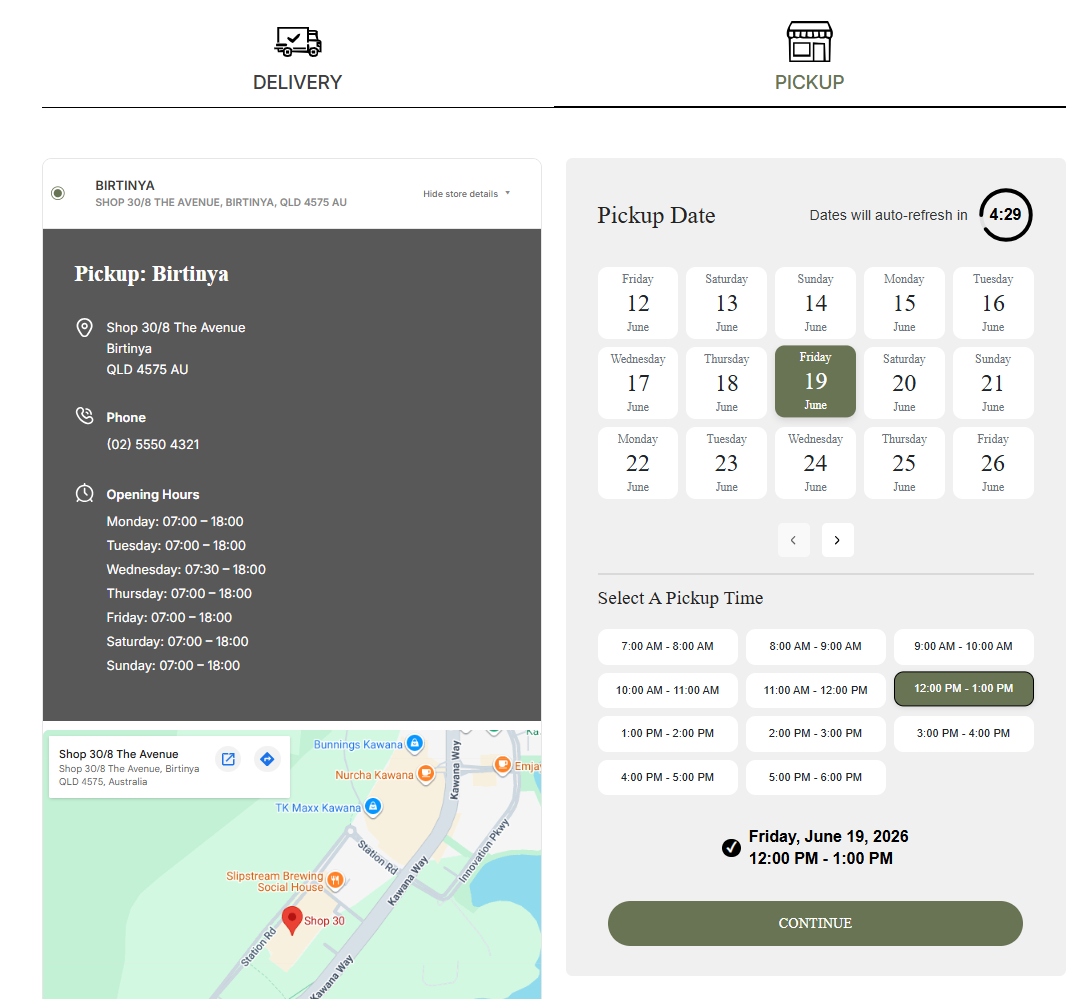
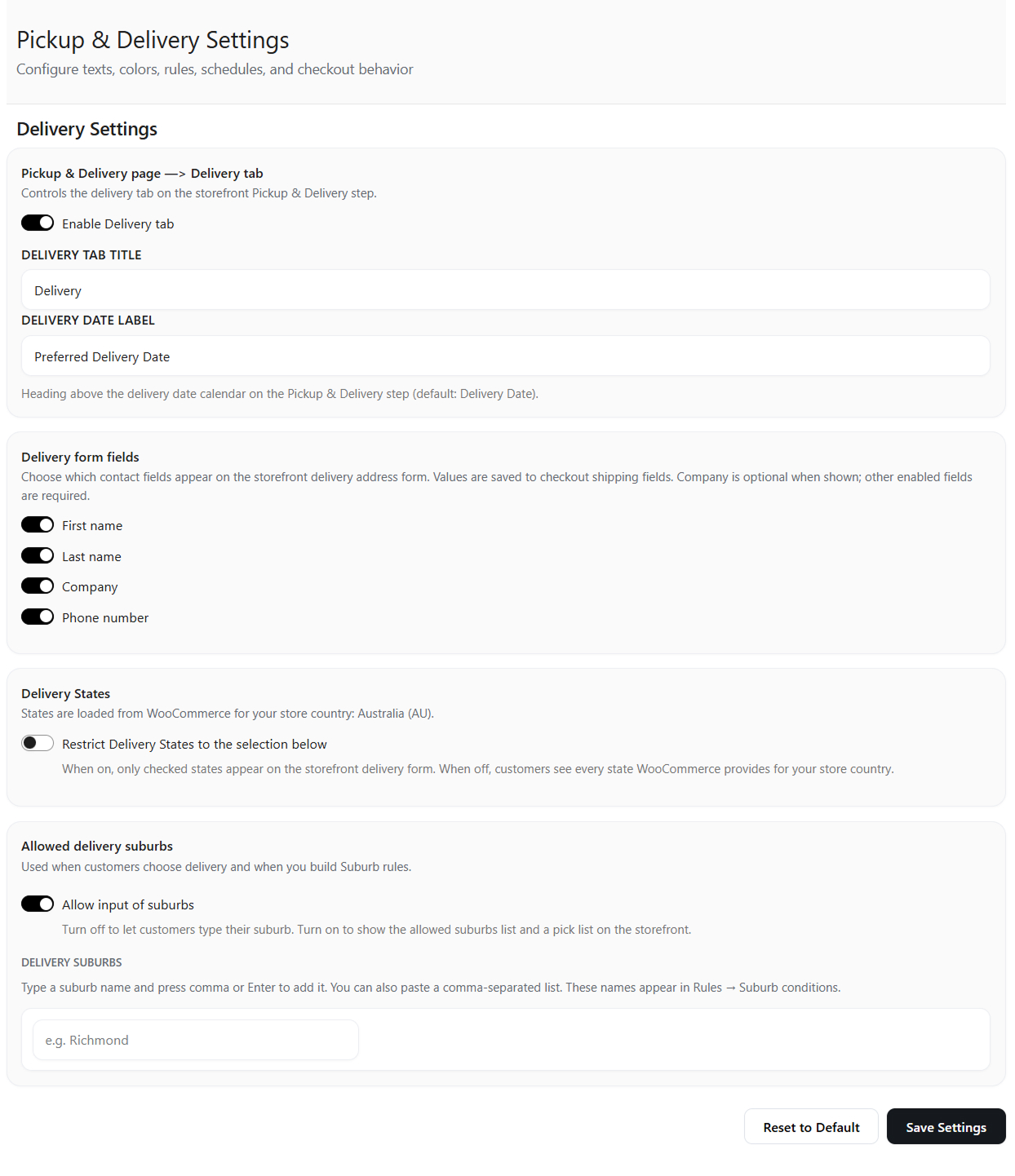
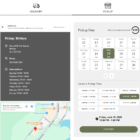
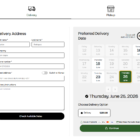
Tabbed step lets customers switch between click-and-collect and local delivery. Either can be turned off; if both are off the step is skipped.
-
02
Pick a date and time slot
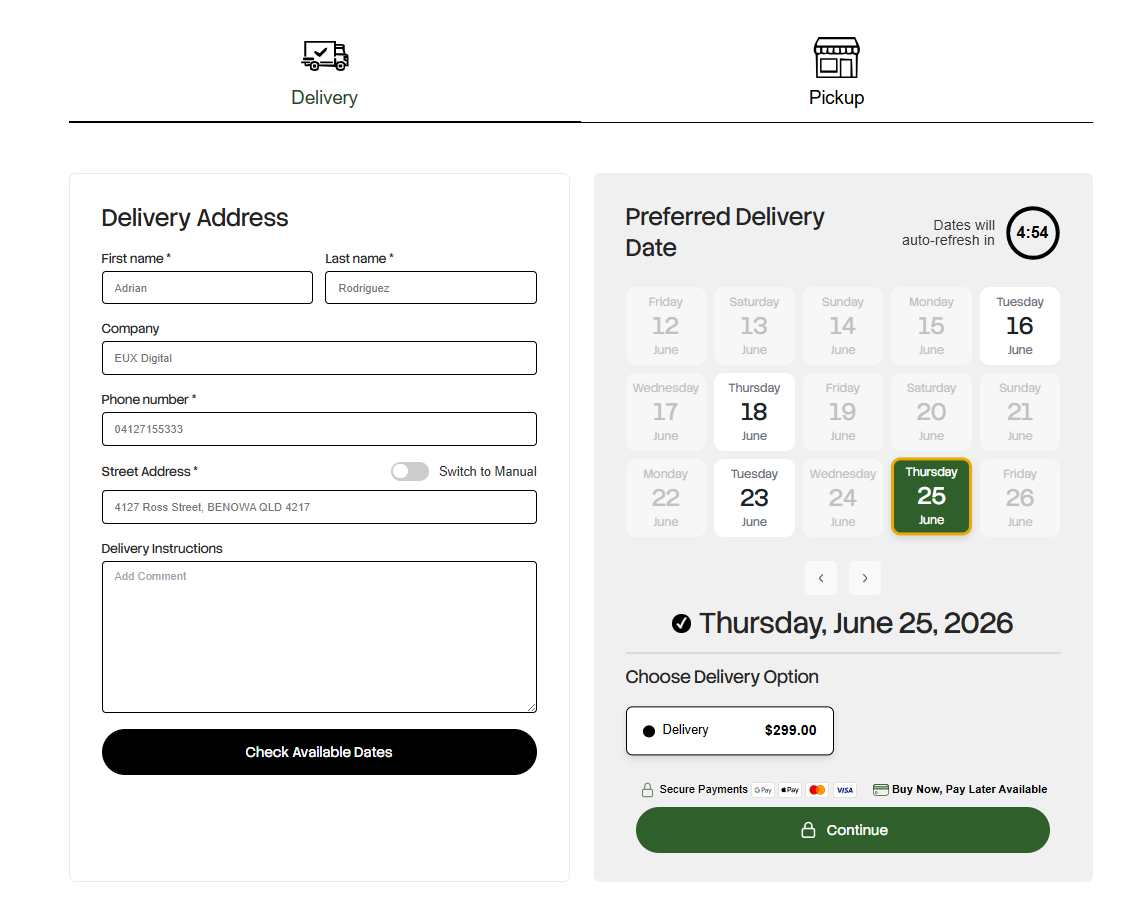
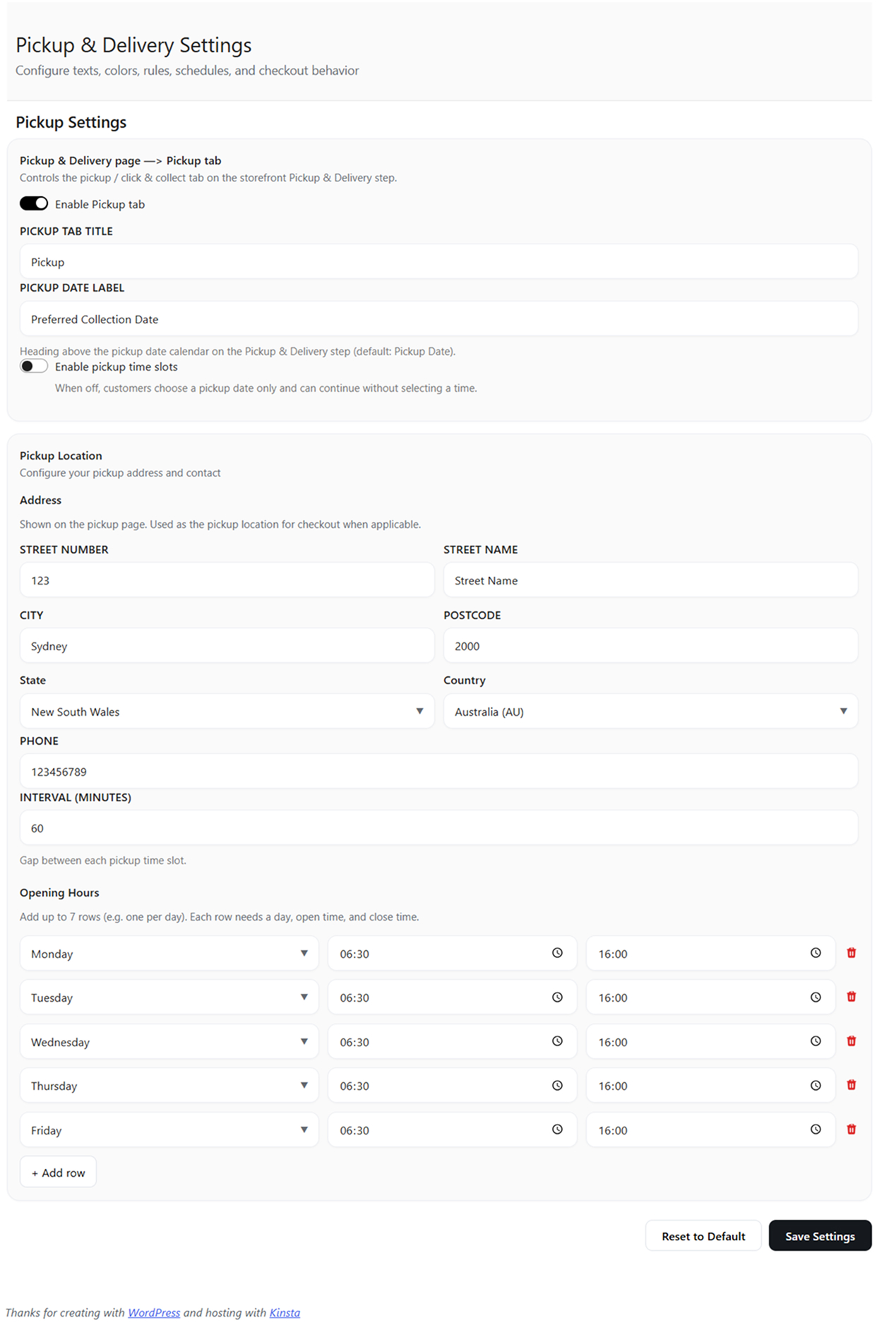
A date picker shows only available days. Pickup slots are generated from your opening hours and interval. Delivery is date-based.
-
03
Delivery areas you control
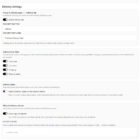
Restrict delivery to a configured suburb list, or let customers type their own. States default to Australian states and territories.
-
04
It lands on the order
Type, date, time, suburb and instructions save as order meta - shown on the admin order screen, emails, My Account, and as Type & Date columns in the orders list (classic and HPOS).
Whatever the customer chooses lands on the order as meta - shown on the admin order screen, confirmation emails and My Account:
Nine new conditions. One rules engine.
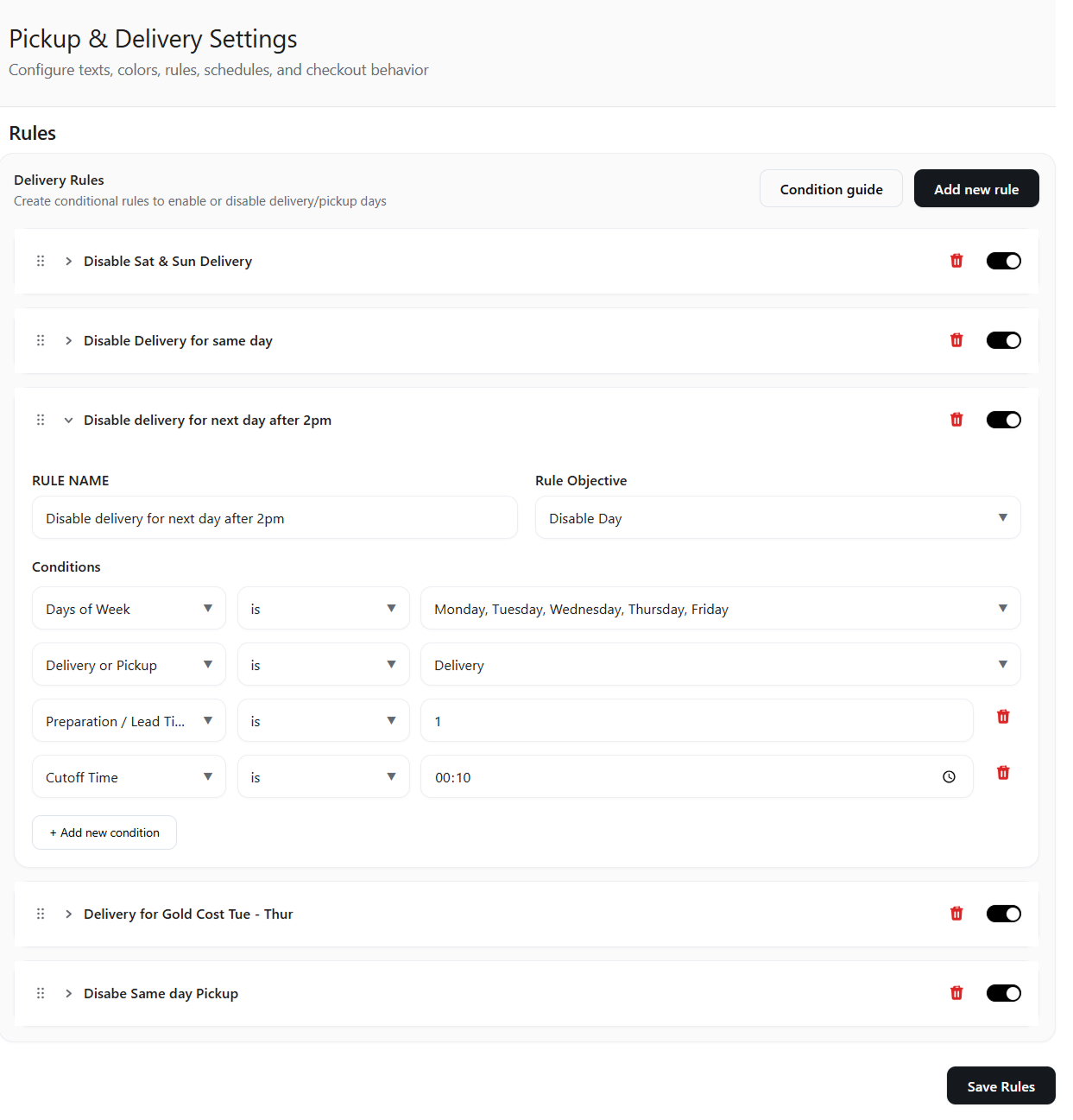
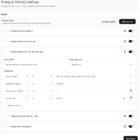
Pro plugs straight into the rules you already build - so one rule can combine capacity, timing, geography and products. "Delivery + Saturdays + more than 40 orders booked = closed" becomes a rule, not a hope.
Capacity caps
The headline. Make a day close itself once it is full.
- Total Orders - cap a date and method by order count. Cancelled, refunded and trashed orders are excluded automatically.
- Order Value - cap by dollar volume booked, for when capacity is about production load, not order count.
Time & logistics
Match how real prep schedules actually work.
- Preparation / lead time - enforce minimum notice. "At least 2 full days" blocks today, tomorrow and the day after.
- Same-day cutoff - after 2pm, today disappears from the picker.
- Lead time + cutoff combined - the clever one most rivals get wrong.
Geographic targeting
Right area, right day - for delivery rules.
- Suburb - match the suburb list, or partial "like / not like" text matching.
- Postcode - list matching, case-insensitive, spaces ignored.
- State / territory - match against your custom list or the Australian default.
Product rules
Different products, different fulfilment rules.
- Product category - matches any cart item in selected categories, child categories included. "Custom cakes need 3 days; everything else is next-day."
- Specific products - target products or variations with a built-in search picker.
"Order by 2pm for next-day" - done properly.
Most plugins treat lead time and cutoff as separate toggles. Pro makes them interact the way a real kitchen does: lead time 1 day + cutoff 2:00pm means before 2pm a customer can book tomorrow - after 2pm, tomorrow is gone too.
If you can say it, you can rule it.
Pick a rule to see exactly which days it closes on the calendar - then try the 2pm cutoff toggle.
Start free. Upgrade when a day fills up.
The free plugin gets you operating the flow. Pro is the obvious next step the moment you hit a capacity or lead-time problem.
| Capability | Free | Pro |
|---|---|---|
| Pickup & Delivery step before checkout | ||
| Date picker + pickup time slots | ||
| Suburb-restricted delivery areas | ||
| Order meta, admin columns, emails, My Account | ||
| Rules: weekdays, specific dates, method | ||
| Daily order count caps (Total Orders) | - | |
| Daily revenue caps (Order Value) | - | |
| Preparation / lead time (minimum notice) | - | |
| Same-day cutoff time | - | |
| Lead time + cutoff combined logic | - | |
| Rules by suburb / postcode / state | - | |
| Rules by product / product category | - |
Serious engineering under a simple step.
HPOS compatible
The capacity engine reads both High-Performance Order Storage and legacy storage, with layered fallbacks. Many scheduling plugins still break on HPOS.
No phone-home
No licence server, no external analytics. Every rule is evaluated inside your own WordPress install. The only optional external call is a map you add yourself.
WooCommerce Pro Partner
Built by EUX, one of a handful of WooCommerce-approved agencies in Australia, maintaining fulfilment flows for retailers in production.
Degrades gracefully
Pro hooks into the base via documented filters. Deactivate it and the base keeps running with its free conditions - nothing breaks, timezone-correct throughout.
Questions, answered.
Does Pro work on its own?
No - it is an add-on. Install and activate the free EUX Pickup & Delivery base plugin first, then activate Pro alongside it. Pro registers its conditions automatically; there is nothing extra to configure.
What happens if I deactivate Pro later?
The base plugin keeps working with its built-in conditions. Rules using Pro conditions simply stop being evaluated until Pro is reactivated.
Do capacity caps count cancelled orders?
No. Cancelled, refunded and trashed orders are excluded from both order-count and order-value statistics.
Does it work with HPOS / custom order tables?
Yes, fully - including the Pro order-statistics engine, which reads both HPOS and legacy storage.
Does it connect to external services or need a licence key server?
No. Nothing phones home. All evaluation happens on your own site.
Can rules combine conditions?
Yes. All conditions on a rule must match for it to apply, and rules are evaluated in priority order - so you can build precise logic like "delivery + Saturdays + more than 40 orders booked = closed".
Can different products have different lead times?
Yes - combine the Product or Product Category condition with Lead Time on a rule.
Is it Australia-only?
No. It ships with Australian state defaults and suburb-style delivery areas because it was built for Australian retailers, but you can define custom delivery states and suburb lists for any market.
Which checkout does it support?
The flow uses a dedicated shortcode page before the standard (classic) WooCommerce checkout.
Only let customers book what you can deliver.
Start with the free plugin, then add Pro the moment a Saturday fills up. Need a hand setting up your rules? EUX can do that with you.

















There are no reviews yet.